Guides · · 4 min read
A home decorating game: Buy mode, furniture and colours in Malta Living
By The Malta Living team · Updated
If you've ever lost an evening arranging a living room in The Sims, Buy mode in Malta Living will feel familiar. It's a home decorating game inside a life sim set in Malta: the paint is called Festa red and the floor might be black and white check, like an old Valletta café. Call it an interior design browser game: you furnish your home online, with no download.
What your home comes with
A new home comes with the basics: a mattress, a toilet, a shower, a fridge and a tabletop cooker. On your very first day there's a twist: you arrive hungry with no cooker yet, and your first-day guide (Rita next door, Mum, or Joe your host, depending on how you came to Malta) shows you how to buy the €15 tabletop one in Buy and cook your first meal.
Everything else is yours to choose, place and colour, at game prices, not real-world ones.
A Sims-like build mode, in your browser
Tap Buy at home and the catalogue slides up, with tabs along the top: New, Pets, Design, Sleep, Kitchen, Bath, Comfort, Fun, Skills, Climate, Clean, Lights, Decor and Luxury. Each card shows a picture, the name and the price, with the size in a corner and quality stars out of four. Quality multiplies the good things a piece does for you, so a better bed is a better night. Anything you can't afford yet is greyed out; tap it to see exactly how much more you need.
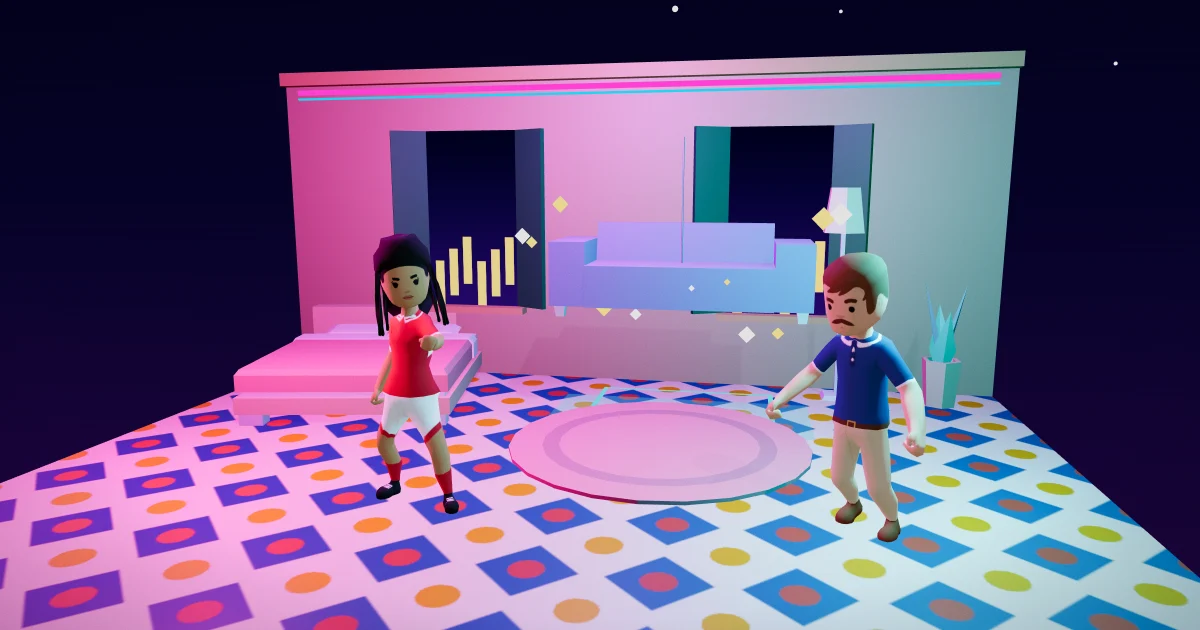
Pick a piece and you're placing it:
- On a phone, drag it or tap the floor where you want it.
- On a computer, click to place, turn it with R or the mouse wheel, Enter to place and Esc to cancel.
- An orange warning tells you if a piece would block the front door or the way to something you use, such as the toilet. You can still put it there.
Tap a piece you own in Buy to move it, turn it, store it, or sell it for two-thirds of what you paid.
Maltese paint, floors and colours
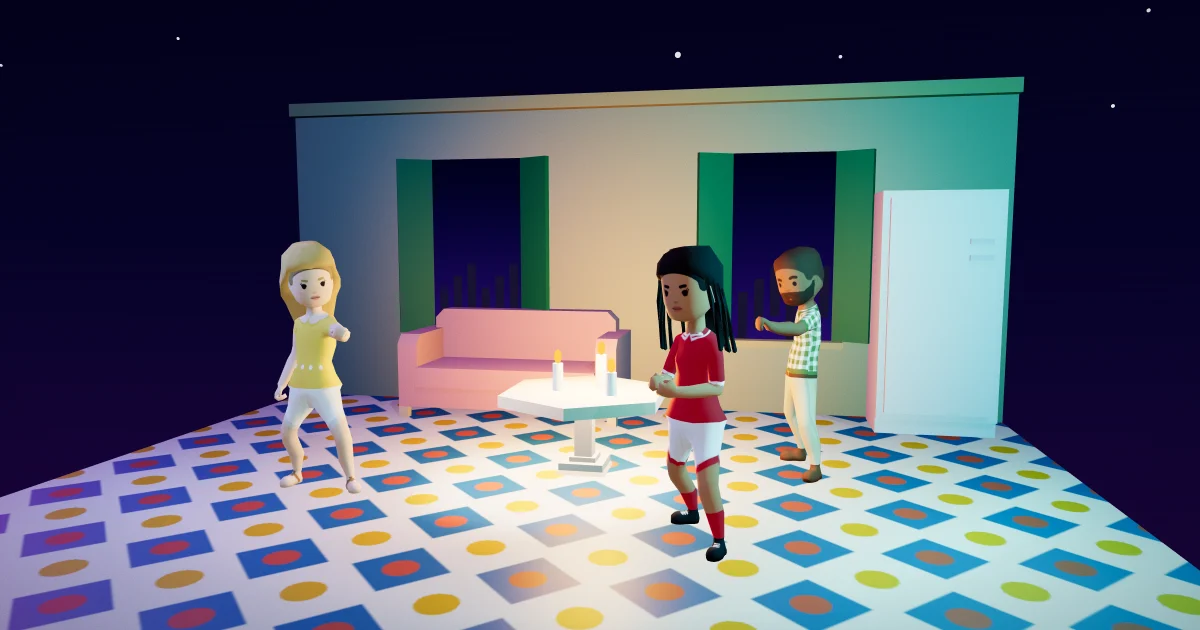
The Design tab holds the paints and floors, and you try each one on before paying: the room changes on screen and nothing is paid until you buy. The paints are named for the island: Limewash white, Limestone, Valletta blue, Balcony green, Festa red (for the village feast's red damask), Luzzu yellow (for the painted fishing boats), Blue Lagoon, Bougainvillea, Prickly pear and Dingli sunset. Most cost €5. The floors start with black and white check, grey porcelain and terracotta tiles.
The Limestone paint isn't a random beige. On the islands, Globigerina limestone, a soft gold-coloured stone, has been the majority of the island's building material since prehistoric times.
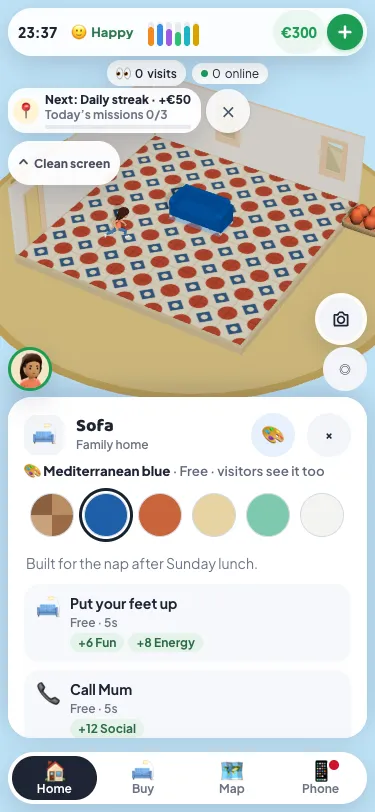
Furniture comes in colour too, for free. Sofas, beds, rugs, tables, chairs, shelves and kitchen units take Maltese colours (Mediterranean blue, Terracotta, Limestone, Mint) or bold ones like Sunflower, Coral and Forest green. Fridges, washers and dryers come in white, black or four pastels. Pick a colour as you place a piece, or tap it at home and then 🎨. Visitors see it too, and "As it came" puts it back.
Using the things you own
Every piece does something. Tap one at home to see what: a sofa to put your feet up, a shower, a bed, a fridge full of food. Your six needs sit at the top (Hunger, Energy, Fun, Social, Hygiene and Bladder), and home is where most of them get topped up.
Things at home take a little time, never more than 3 minutes. A quick shower is 30 seconds for +40 Hygiene, and a nap is a minute for +25 Energy. Sleep in your own bed and you sleep in real time until you wake. A standard bed fills Energy faster than the mattress, and a double bed faster still. The fridge also has a shelf for up to 12 treats, from ġbejniet to iced coffee.
Keeping it tidy, and what else is in Buy
Homes get messier as you live in them: Spotless, Tidy, Messy, then Grim. Tidying up is free, and the Clean tab makes it quicker: a broom and dustpan for €12, a mop and bucket for €25, and a robot vacuum for €249 that keeps the mess down by itself.
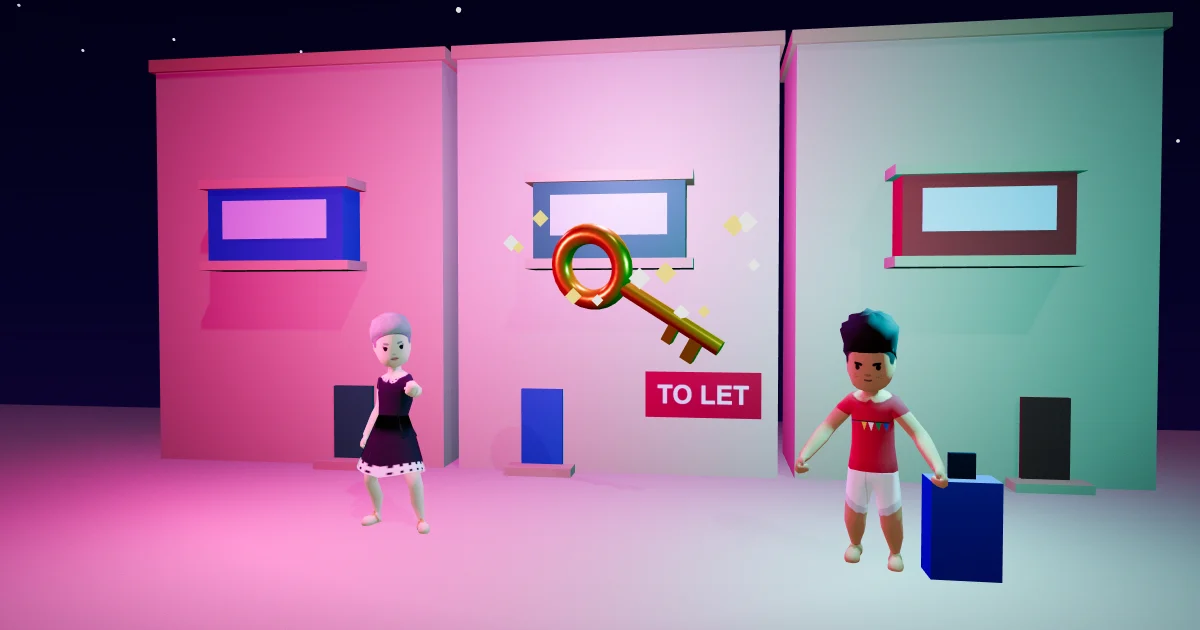
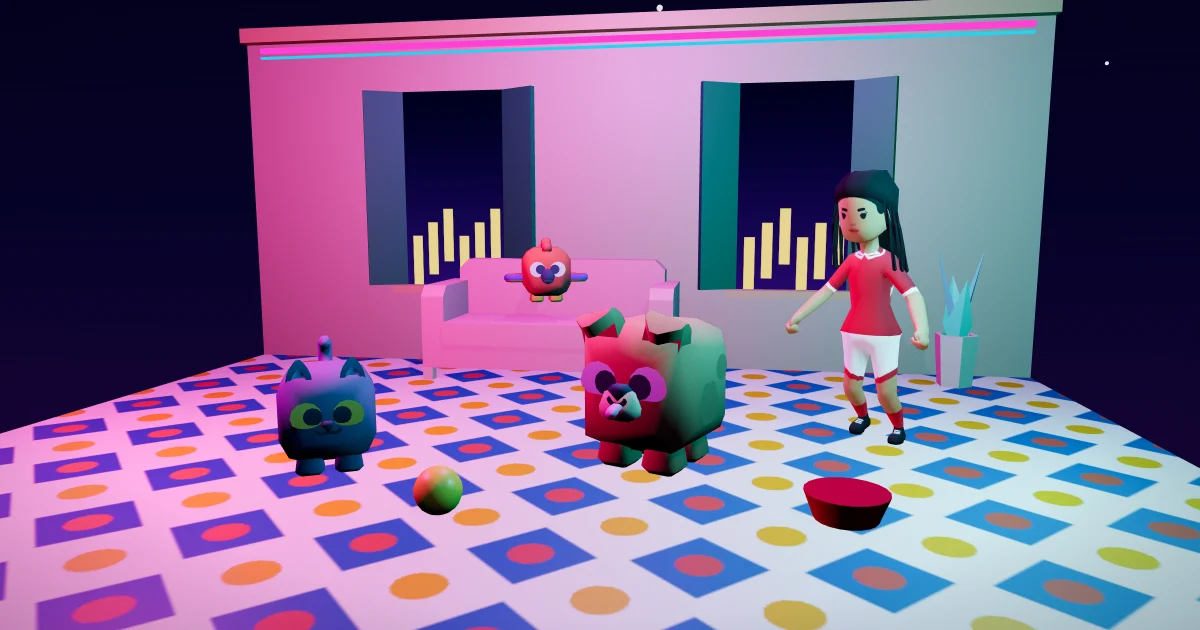
The Pets tab is where you adopt a cat, a dog, a parrot or a turtle (read all about pets in Malta Living), and the New tab sells solar panels for power cuts in Malta. When the place looks right, throw a house party or invite friends round. Your furniture moves with you, so nothing is wasted when you leave your rented flat in Sliema. New here? Start with the Malta life simulator guide, or play Malta Living free in your browser.
Questions people ask
Does Malta Living have a build mode like The Sims?
Yes. Buy mode at home lets you place, turn, move and sell furniture, and try on paints and floors before you pay. On a phone you drag pieces or tap the floor; on a computer you click, and turn with R or the mouse wheel.
Can you change furniture colours in Malta Living?
Yes, and it's free. Sofas, beds, rugs, tables, shelves and kitchen units come in Maltese and bold colours, and fridges, washers and dryers in white, black or pastels; tap a piece at home and then 🎨.
What does a new home come with?
A mattress, a toilet, a shower, a fridge and a tabletop cooker. On your very first day you arrive without the cooker, and your first-day guide shows you how to buy the €15 one in Buy.
Does your furniture move with you when you move home?
Yes. Everything in your home comes with you, the basics too, and anything that won't fit in the new place goes into storage.