Guides · · 3 min read
Rent your home to other players in Malta Living
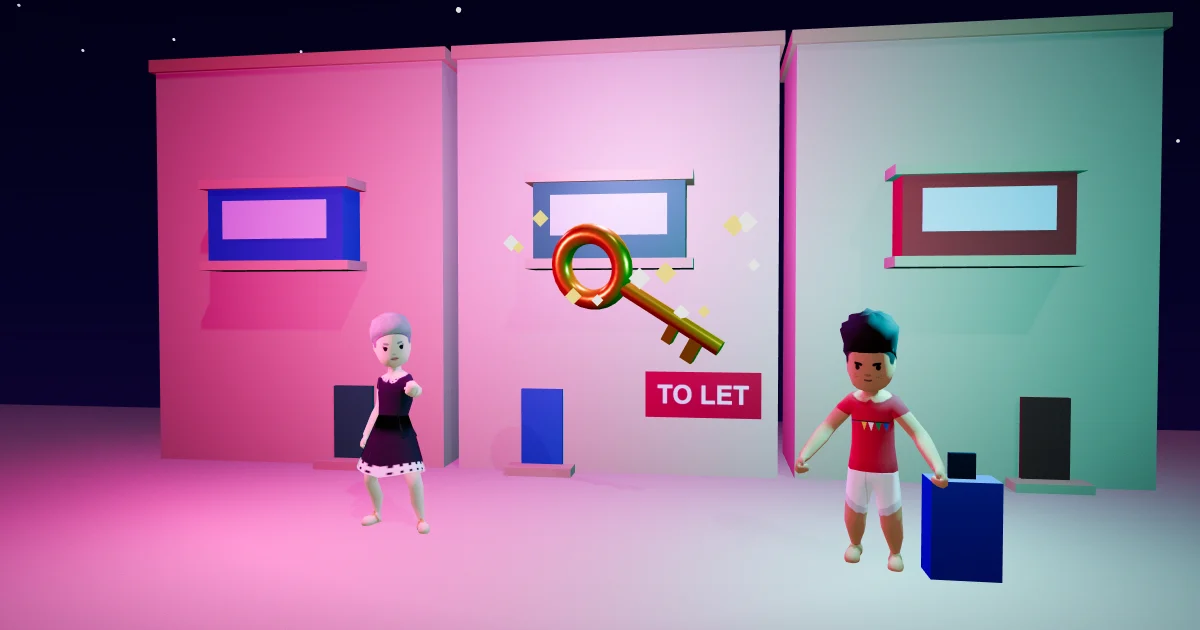
You bought a home in Malta Living, the free life sim you play in your browser, and you don't live in it. Until now it sat there, or you let it to the game. Now you can rent your home to players: you pick the rent, they move in, and the rent is yours every Saturday.
Rent your home
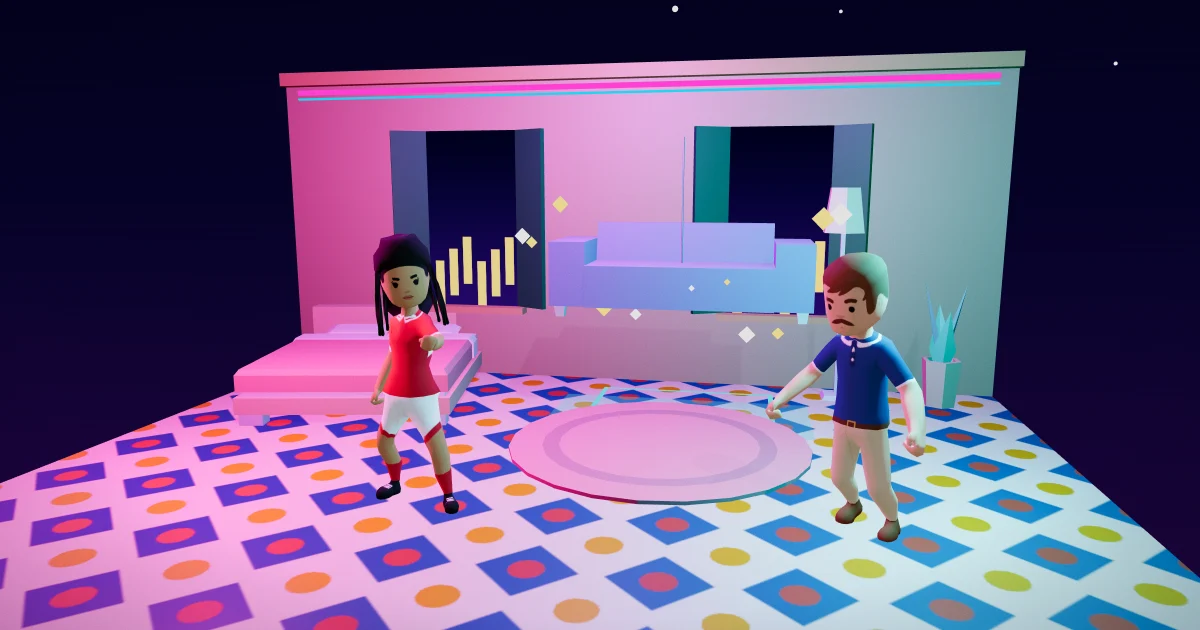
Open Homes on your phone, pick a home you own and don't live in, and tap Rent to players. The home has to be furnished first: a bed, a toilet, a shower, a cooker, a fridge, a seat and a table, all placed. Then you set three things:
- The rent a week, from half what agents charge up to 1.2 times the game's own let, in €5 steps.
- The deposit: 1, 2 or 4 weeks. The game holds it, never you and never the tenant's wallet.
- The house rules: parties on or off, pets or none, and how many guests (4, 6 or 12). You can open it to anyone or only people you know.
A listing stays up for 14 days. Keep it up with one tap, or take it down whenever you like.
Every Saturday at 18:00
Rent day is Saturday at 18:00, Malta time. The tenant pays the week ahead, and you get it less a 3% letting fee. The first week is paid when they move in, by the day up to Saturday. If a tenant is short, the deposit pays the week and they're told. Nothing is charged twice, and rent in bought euros reaches you as bought euros.
Rent from a player
In Homes, open Find → Rent and you'll see two lists: Agents and Players' homes. Players' homes shows once three homes are listed. Each card has the rent, the size, the landlord and their stars (New landlord until three ratings count). Tap one to look round, then open the move-in card: the deposit (held by the game, back when you leave), the rent to Saturday, the total and the house rules.
Your home card then shows your landlord, your next rent, your deposit and a button for Message and for Rate.
Notice, repairs and moving out
A landlord gives two Saturdays' notice and a tenant one, never under three days. When a piece breaks, you call Ċensu and pay the lease's part; the landlord's part is taken for her. When you leave, your deposit comes back, less any rent you still owed.
Rate your landlord
After two paid Saturdays your home card has Rate: one to five stars, once for each home you rent. You can rate when you leave too. Stars show on a landlord's listings once three ratings count.
Off the books
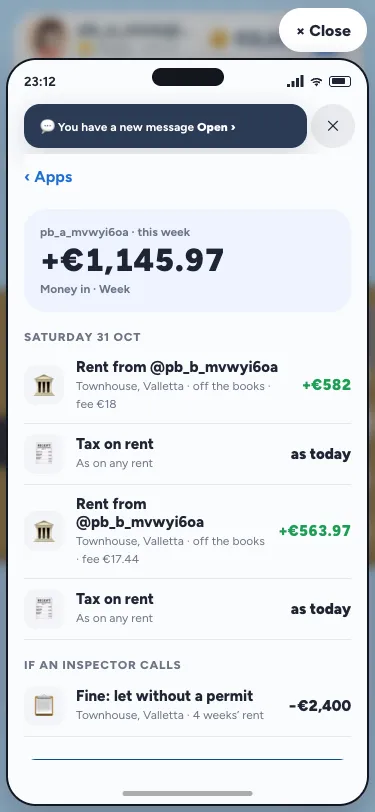
A home bought with a buyer's permit can be let to a player off the books, as let it quietly does for the game. The tenant sees an amber Off the books chip first and must say yes: no registered lease, one Saturday's notice is possible, and if an inspector calls they get a week to move, rent-free, with their deposit back. For the landlord it's Risky: a catch fines four weeks of the rent.
Furnishing a home for a tenant is covered in furnish your home; buying one in rent a flat in Sliema and the Invest guide. New here? Start with the Malta life simulator. For how rentals work for real, see the Housing Authority.
Questions people ask
Can I rent my home to another player?
Yes: a furnished home you own and don't live in. Open Homes, pick it and tap Rent to players. You set the rent, the deposit and the house rules.
Who holds the deposit?
The game does. It's never in anyone's wallet. It comes back to the tenant when they leave, less any rent they still owed.
How much do I get each week?
The rent less a 3% letting fee, every Saturday at 18:00. A €600 week, for example, pays you €582.
How do I rate my landlord?
After two paid Saturdays, tap Rate on your home card. You can also rate when you leave. Stars show once three ratings count.