Guides · · 3 min read
Emoji in every chat: tap 😊 and pick one
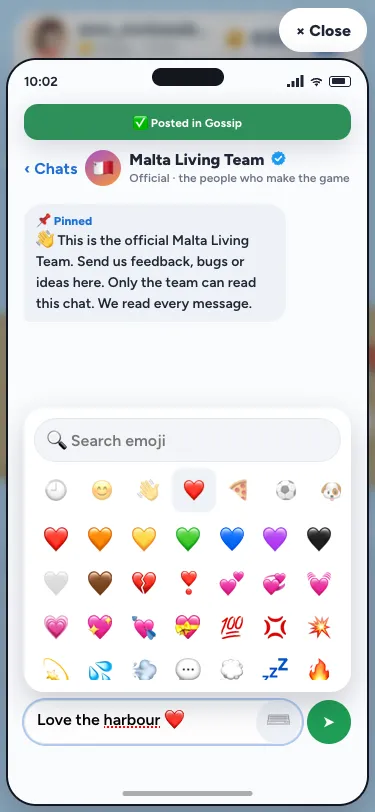
Every chat in Malta Living now has an emoji picker. Tap 😊 inside any message box and a panel of emoji opens right by it: smileys, hands, hearts, food and drink, sports, animals, places in Malta, and everyday things. Tap one and it goes in exactly where you're typing, and your keyboard stays where it is, so you can keep writing.
Where you'll find it
The 😊 is in every box where you write to people. That means a Gossip post and the replies under one, Messages (a friend, a group, your club), the chat in a place's room, Quick chat and the Team chat. Writing a Gossip post, the panel opens under the box, because the box sits at the top of the page; everywhere else it opens just above the box, over the conversation, so you can still see the last few messages.
Tap the ⌨️ in the same spot, or anywhere outside the panel, and it closes.
Find the one you want
The panel opens on your recent emoji, newest first, so the ones you use most are one tap away. The tabs along the top take you through the groups: Smileys, Hands and people, Hearts, Food and drink, Activities, Nature, Travel and Malta (with 🇲🇹, the ferry, the bus and the beach), and Objects.
Or type into the search at the top. "pizza" finds 🍕, "sun" finds ☀️, "beer" finds 🍺, and "heart" finds every heart there is. A few Maltese words work too: try "ftira", "lampuki", "ġbejna" or "tallinja".
One emoji, one character
Every message box has a limit: 200 characters for a reply or a room chat, 500 for a Gossip post or a message to a friend. An emoji now counts as one character, both in the counter you see and on our side when the message is sent. Before, phones counted some emoji as two, so a message full of them hit the limit early. A flag is the one exception: 🇲🇹 is made of two letters, so it counts as two, as it does on most sites.
When a message is full, the picker won't add an emoji that doesn't fit and says so, rather than cutting off the end of what you wrote.
Why we built it
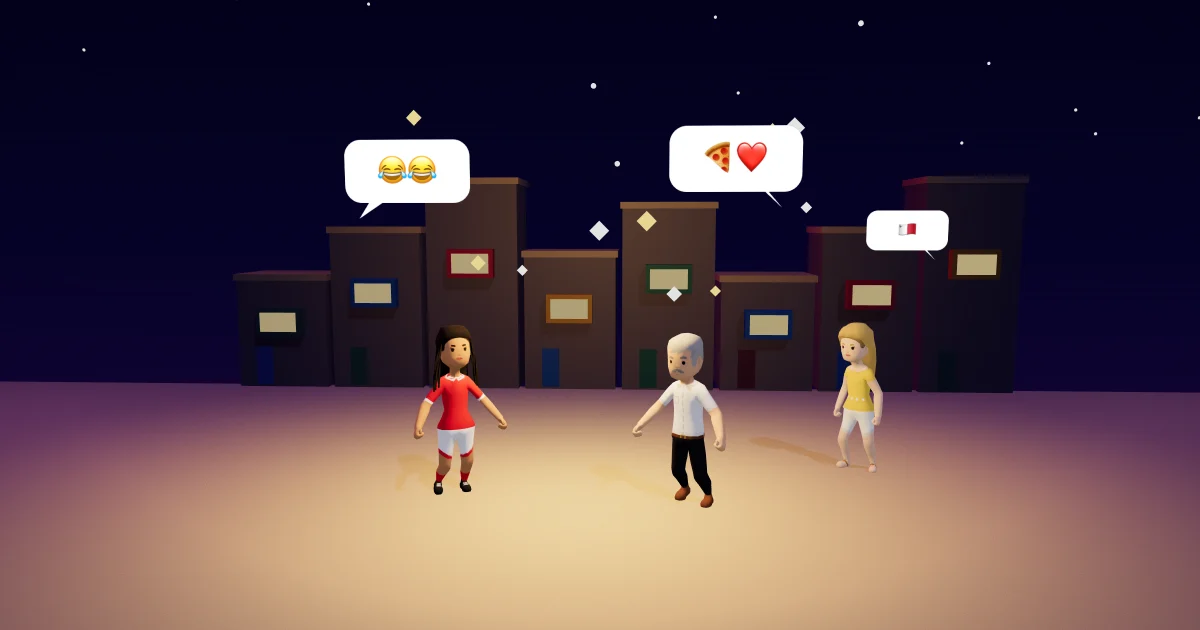
Gossip and the chats are where Malta Living is busiest, and most of what people say there is short: a congratulation, a "see you at the festa", a laugh at someone's party. The game's quick reactions cover the basics on a post, but writing deserves the whole set. We kept it to a curated few hundred of the emoji people actually use, drawn by your own phone, so it opens instantly and the game stays light. Your phone's own emoji keyboard still works as before; the picker is simply closer to hand. If you'd like to see one added, tell us in the Team chat, or have a look at the full Unicode list for ideas.
For more on Gossip and the clubs it ties into, see clubs, friends and Gossip; for every app on your phone, see the phone's apps; and for what's happening on the island today, there's Bonġu!, the island's news. New to the game? Start with the Malta life simulator guide.
Questions people ask
Can I use my phone's own emoji keyboard?
Yes. Your phone's keyboard works as it always has. The 😊 picker is there for when it's quicker, and it remembers the ones you use in the game.
Do emoji use up more of my character limit?
No. Each emoji counts as one character, in the counter and when it's sent. Only flags, like 🇲🇹, count as two.
Why can't I find a particular emoji?
The picker holds a curated set of a few hundred everyday emoji to keep the game fast. Your phone's own emoji keyboard has the rest, and you can ask us to add one in the Team chat.