Guides · · 4 min read
A life simulator game on your phone: every app in Malta Living
By The Malta Living team · Updated
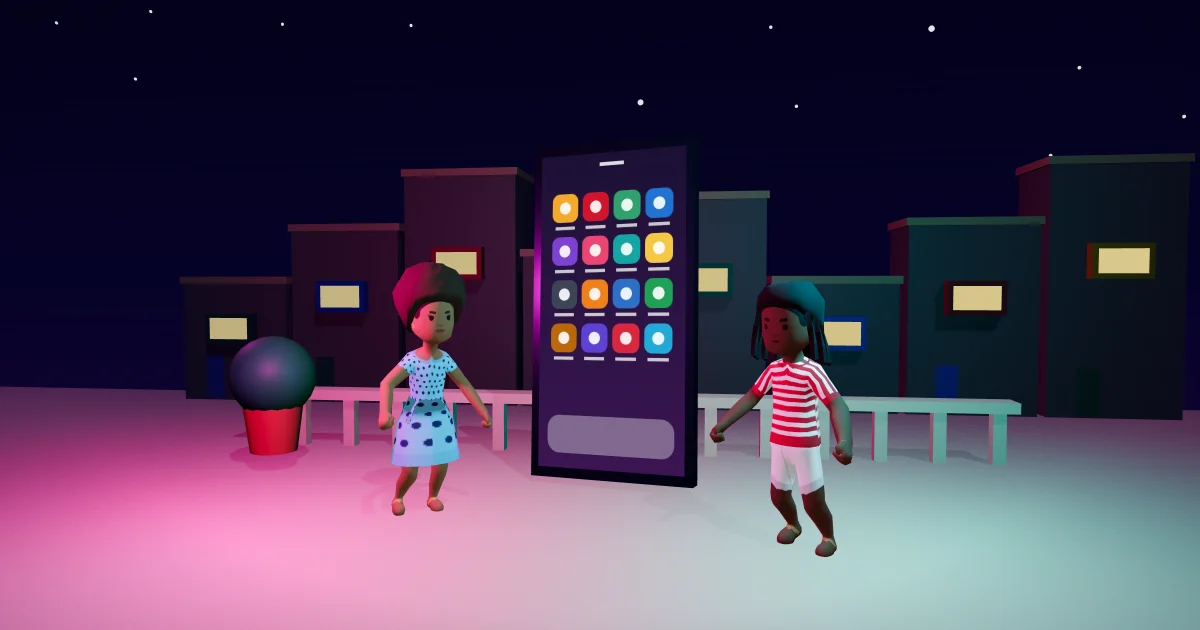
Malta Living is a life simulator game on your phone, set in real Malta, and inside it your character has a phone of their own. Almost everything you do starts there. Tap Phone at the bottom of the screen and it slides up over the island, showing the time and date in Malta and a grid of apps. It's a free browser game with no download, so learning the phone is the quickest way to feel at home. For the bigger picture, start with our guide to the Malta life simulator.
This guide goes through the grid row by row, as it is today.
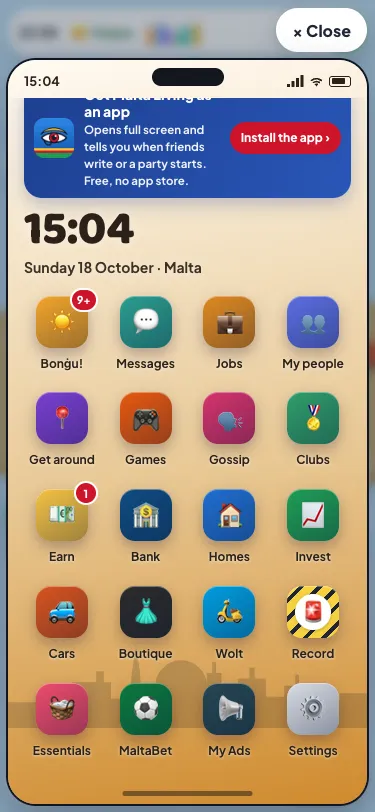
The top of the phone
Above the apps sits a bar with your picture, your @username and your status line: tap it to open your profile. If you haven't added Malta Living to your phone's home screen yet, that spot says "Get Malta Living on your phone" instead, with one button to do it.
Above that, the phone can show a notice or two: never more than two at once, the most important first, each with its ✕. A Gossip tag comes first, then updates waiting in Messages, then things like your data running out or a new version of the game.
Red numbers on an icon mean something is waiting; past nine they say "9+". A brand-new app wears a small New tag for its first week, unless you're in your own first week, when everything is new anyway.
Row one: news, chats, work and people
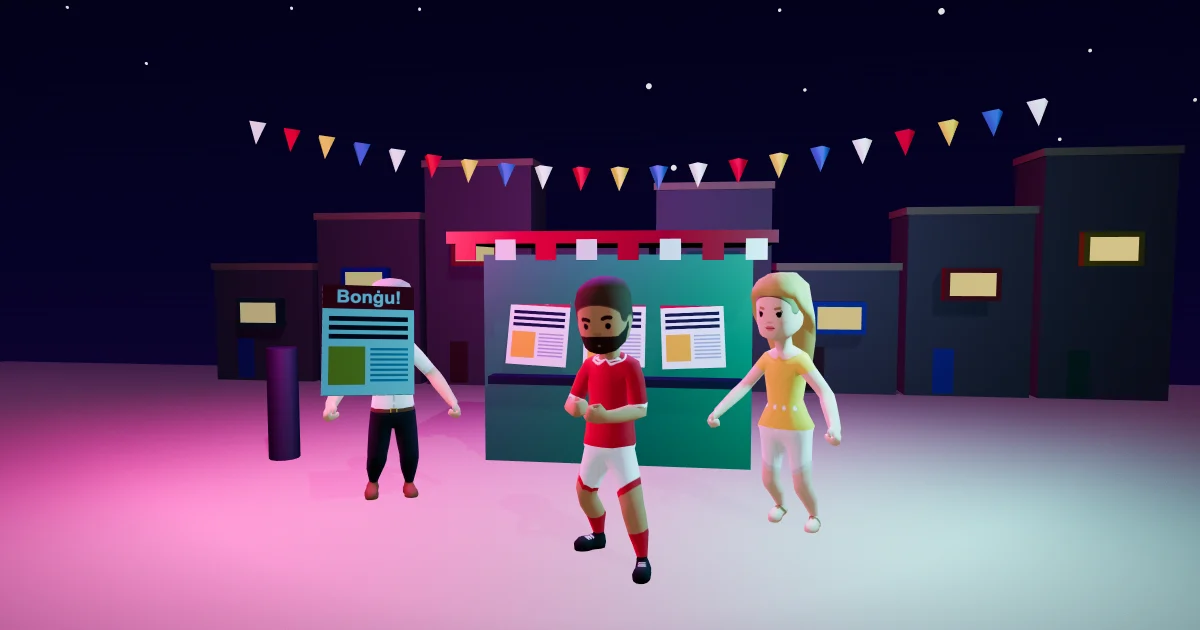
- Bonġu! (Maltese for good morning) is the island's news and the first app on the grid: things to do right now, last night's results and what's new. Read more about Bonġu!, the island's in-game paper.
- Messages holds your chats, plus 🔔 Updates, where your landlord, Mum and your phone network leave their messages.
- Jobs is where you find work and start a shift. Our guide to jobs and careers explains ranks and pay.
- My people finds any player by name and shows who's online and where. Go takes you to them; Visit or Knock takes you to their home.
Row two: getting around and having fun
- Get around lists the places in the game. Search a name, an area or what you want to do, then pick a way there: walk, bus, eCabs, or your own car or bike.
- Games holds games to play on your own or with friends, like Bixkla (a Maltese card game for two), Ludo, Tombla (Maltese bingo) and Daily Word.
- Gossip is the island's talk, written by players.
- Clubs is for your clubs, and for starting your own, free. See friends, clubs and Gossip.
Rows three and four: money, homes and shopping
- Earn gathers every way to earn: your daily streak, missions and more.
- Bank shows your money and what you're worth, with Marisa, the bank's adviser.
- Homes is for looking inside homes, renting and moving.
- Invest is for growing your money.
- Cars is for buying a car or a bike and seeing your garage.
- Boutique is clothes from Zara on Tower Road, Sliema (a town on Malta's north-east coast), to try on and wear.
- Wolt orders food to your door. It needs mobile data, or Wi-Fi where you are.
- Record is your case file: your stamp, from squeaky clean upwards.
Rows five and six: running your life
- Essentials runs your home: tonight's bins, the fridge, your bills and your phone plan.
- MaltaBet is Malta League Night, played with game euros only.
- My Ads is where you book an ad in the game.
- Settings holds your notifications, updates, starting a new life and logging out.
- Feedback sends a note straight to our team.
- Enemalta (named after Malta's electricity provider) shows power cuts and the compensation that follows.
- Health tells you how you are, and which friends could use a hand.
- Help & guide explains the game.
Below those come Blue Lagoon (a trip to Comino, the small island between Malta and Gozo, from Ċirkewwa), Music (with listening parties, where friends hear the same song at the same time), Identità (your documents and permits) and Flights, which the phone marks as Soon. Outside the game, Identità is the government agency that issues ID cards and passports, and residence documents for people moving to the island.
Play on mobile, no app store
The grid's order is fixed, so an app is always in the same spot once you've learned it. Back takes you one step back, like a real phone: out of a story to Bonġu!, out of an app to the grid. And because Malta Living runs in your browser, you can add it to your home screen, where it opens full screen like an app. When you're ready, play Malta Living free in your browser.
Questions people ask
Can I play a life simulator game on my phone without downloading anything?
Yes. Malta Living runs in your phone's browser, so there's nothing to download and no app store. You can add it to your home screen and it opens full screen, like an app.
How do I add Malta Living to my iPhone home screen?
Open it in Safari, tap Share, then Add to Home Screen, and open it from the new icon. If you found it inside Instagram's or Facebook's own browser, open it in Safari first. Help & guide in the game walks you through it.
Which phone apps should a new player open first?
Jobs, because a job is how you earn every day; tourists start with Earn instead. Then Messages, to say hello, and Bonġu!, to see what's on today.
What happens if my in-game phone runs out of data?
The phone tells you at the top, and Essentials is where you renew your phone plan. Until then, apps that need data, like Wolt, only work where there's Wi-Fi.