Guides · · 3 min read
Find furniture at home without hunting for tiny objects
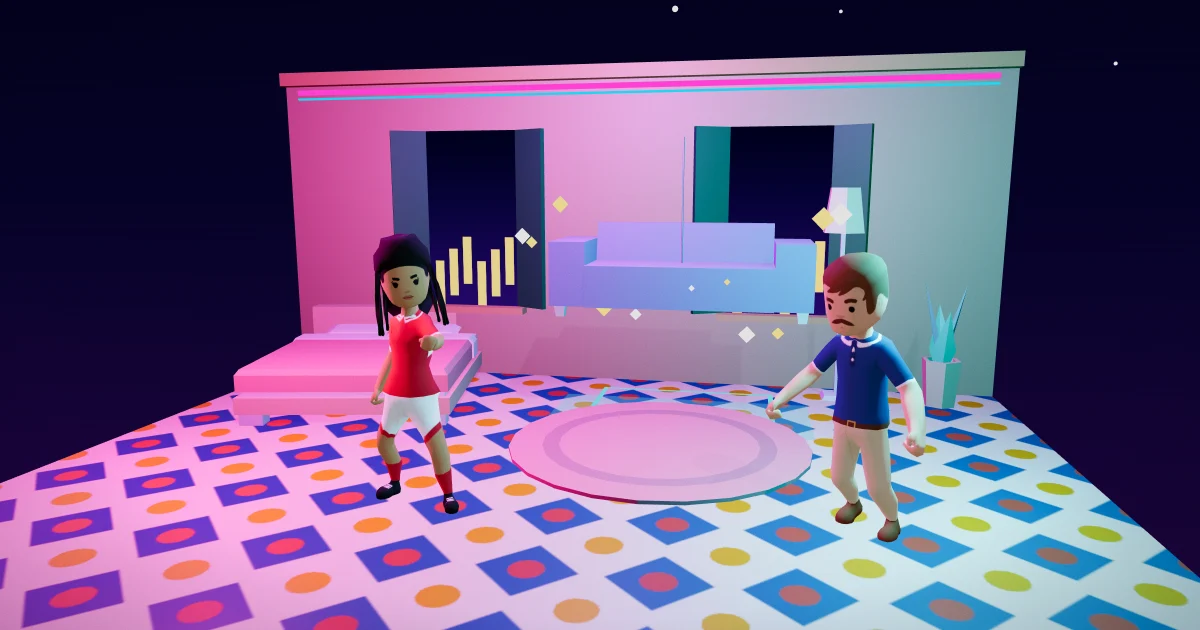
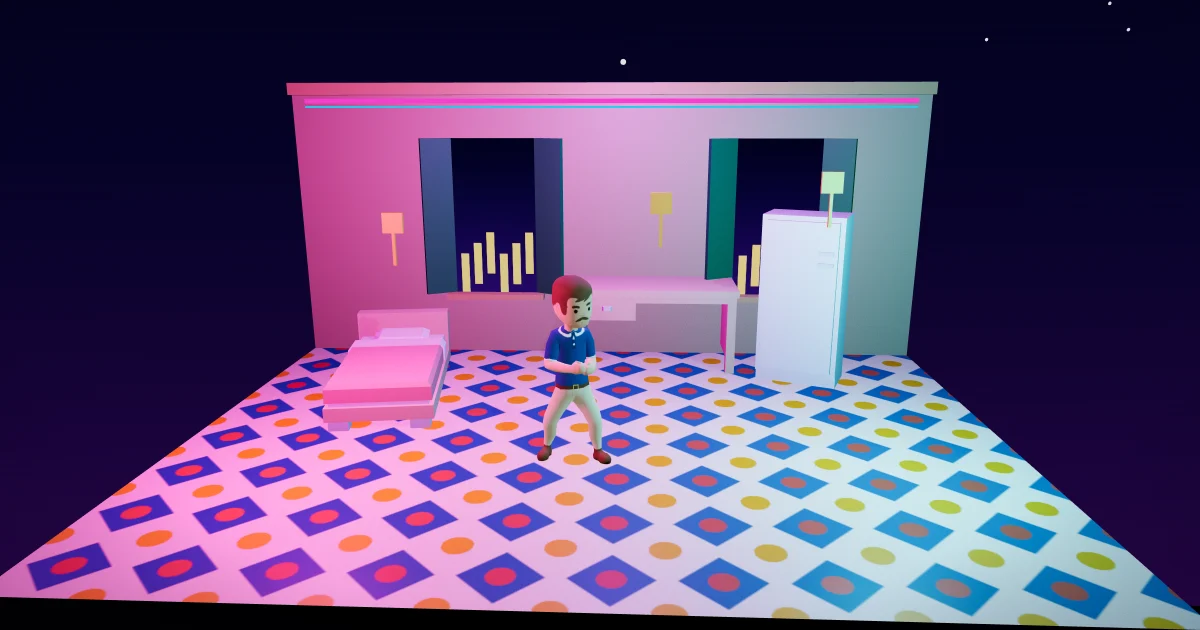
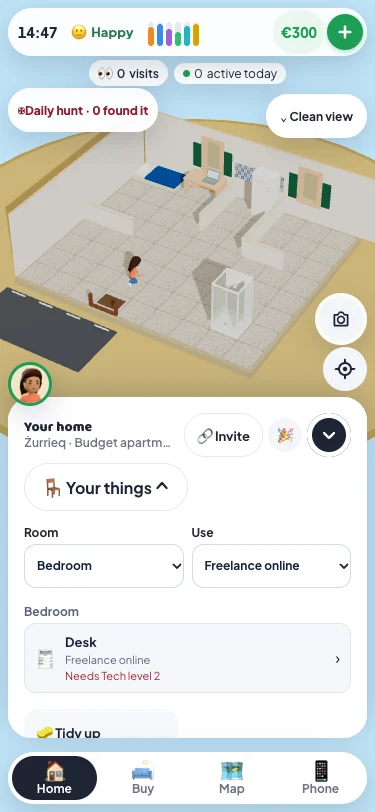
You can now find furniture in Malta Living from the home panel. Open Your things, choose a room or a use, and tap the piece you want. You can keep enjoying the 3D room without hunting for a small shower, mattress or desk behind other furniture.
Find a room or find a use
The Room filter follows where your placed furniture actually stands. The Use filter finds actions such as Quick shower or Freelance online. Each piece stays a separate result, even if you own two of the same kind.
The list starts folded. Open it when you need it, then fold it away again. In a home with two floors, use the floor buttons to browse the things on that floor.
A lock tells you why
The result previews an available use. Choose a specific use to see its lock reason: perhaps you need a skill, ingredients, power or tomorrow's daily allowance. Tap the result to open the same furniture sheet you get by tapping the piece in the room, with all its usual actions and checks.
Your room and use filters stay when you open a piece and close its sheet. Choosing a result does not start an activity or pay a reward.
A short route to an everyday action
Imagine you want a shower before heading out. Open the home panel and tap Your things. Pick Quick shower from Use. The list keeps the placed shower and leaves unrelated furniture out of the way. Open that result, then choose Quick shower on its usual sheet. Your character follows the same route to the piece as after a tap in the room.
Room means where a piece stands, rather than the shelf you bought it from. A desk placed in your bedroom appears under Bedroom. That is useful after you have rearranged your home: the list follows the layout you made, instead of assuming every piece is still in its starter spot.
You can combine the filters. If you choose a room with no piece offering that use, the list explains that nothing matches. Choose All rooms or All uses to widen the result again. Two matching pieces remain two results, so you can open the one you want without losing the other.
The list is a route to the furniture, rather than a new way to earn or buy things. Existing prices, rewards, daily limits and checks still apply. A skill lock stays a skill lock, and finding a cooker does not fill an empty kitchen.
Keep using the home you made
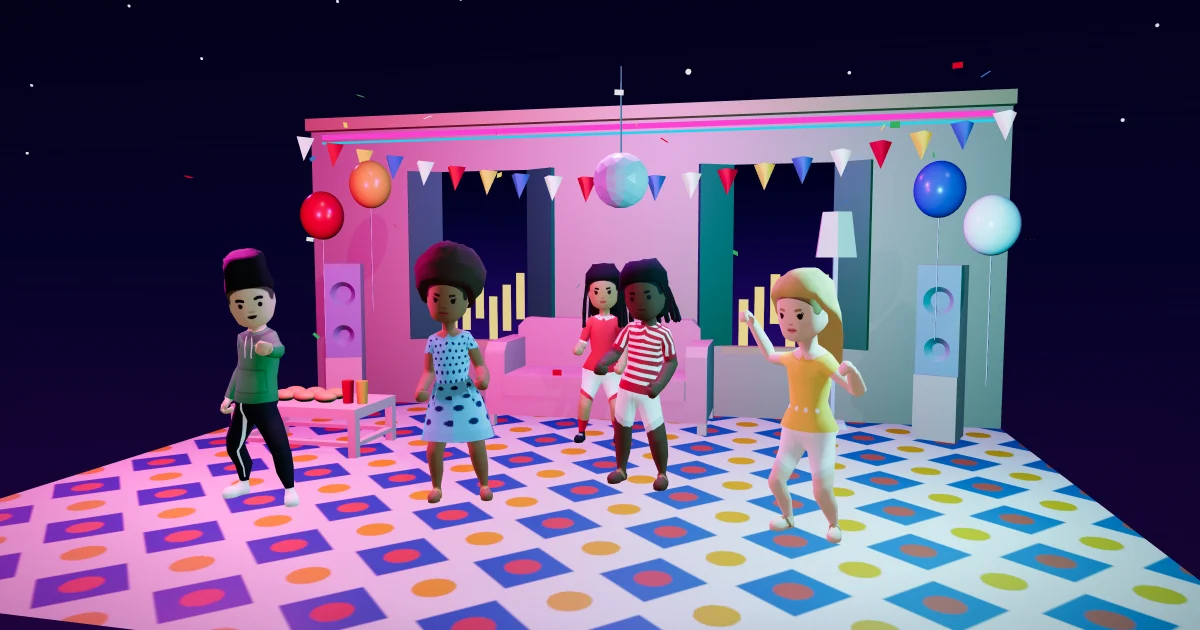
Stored pieces still wait in Buy mode. Find household supplies in Essentials, read about power cuts, or invite people over with house parties and visits.
This is one small part of the Malta life simulator. For the real island behind the game, explore VisitMalta. Ready to try it? Play Malta Living free.
Questions people ask
Does the list show stored furniture?
No. It lists pieces placed in your current home and on the floor you are viewing. Stored pieces stay in Buy, ready to place.
Does opening a result start the action?
No. It opens the piece's usual sheet. Choose an action there, just as you would after tapping it in the room.
Why does Your things show a use I cannot start yet?
Locked uses stay discoverable so you can see what the furniture offers and what is missing. The reason comes from the same checks used by the piece's normal sheet. Find the piece now, then return when you have what the action needs.