Guides · · 5 min read
Invest, rebuilt: everything you can invest in, on one screen
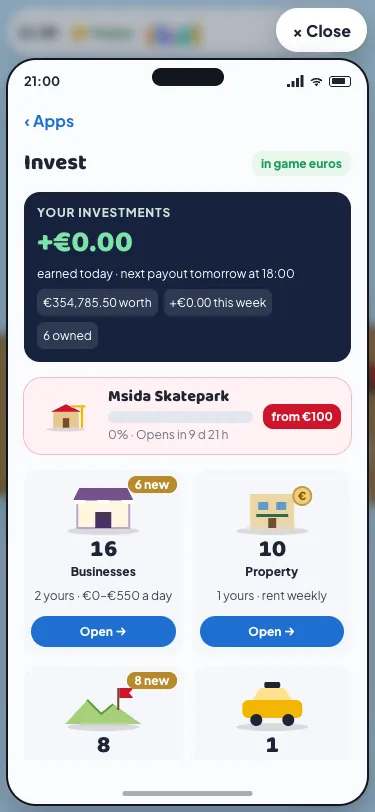
The Invest app on your in-game phone used to stack seven things on its first screen before you reached anything to buy. Players told us it felt broken: tap "Back it" on the skatepark in Bonġu! and you landed on a front page that didn't show the skatepark at all. So we rebuilt it. Malta Living's Invest is now an investing game app with one screen that shows everything: your money on top, then a box for each kind of thing you can invest in, laid out like Earn. Every button opens exactly what it names.
Your investments, on top
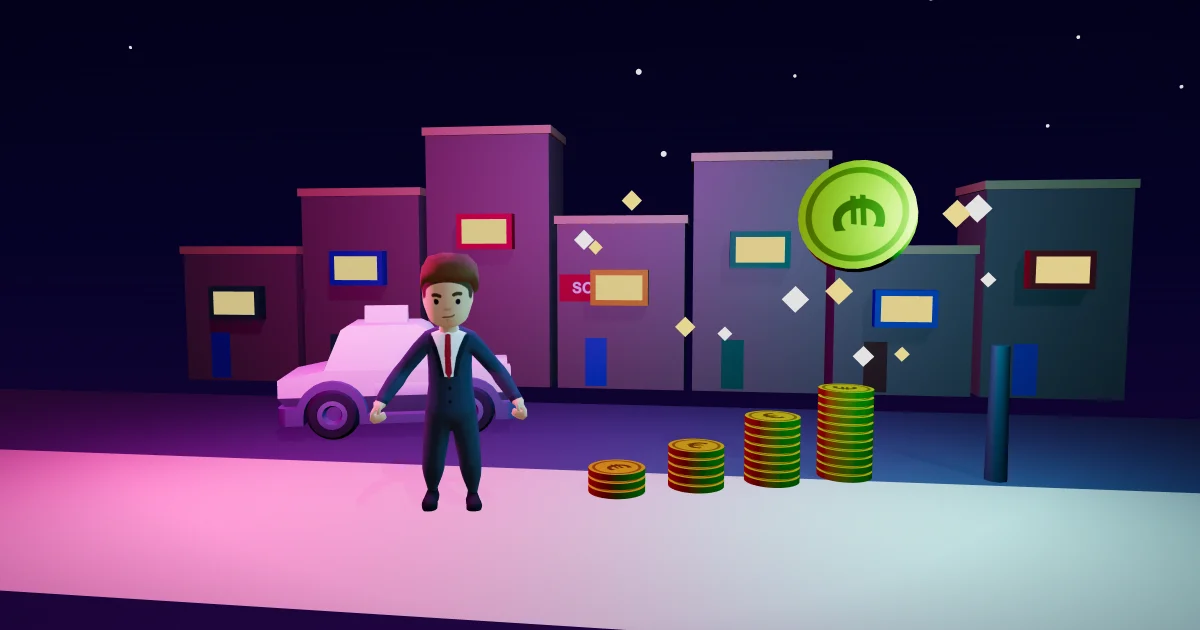
The dark card at the top is your money. Today's earnings count up as your property and land grow, with three small numbers under it: what everything you own is worth, what it made this week, and how many things you own.
Tap the card and you get Your investments: everything you own, by kind, with when it pays and roughly what it brings in a day. Businesses and cabs pay every evening at 18:00, rent and a farmer's lease once a week, and a build you backed pays from its opening night. Each line opens its kind's box. Underneath, two folds explain your all-time total and how payouts work.
If a home loan payment is missed, a red dot shows on this card and a red line on the Property box. It's the one alarm on the front, so it's hard to miss.
The build taking backers
Under your money sits the build that's taking backers now, set wide so you see it first. Today that's the Msida Skatepark: how far it's backed, when it opens and where backing starts (€100). Tap it and you land on the build's own page: a trail of medals at 25%, 50% and 75% backed on the way to opening night, then one Back the build card with how much is backed, by how many, and your part. Pick an amount and back it in one tap. What you get after it opens, taking it back and bricks with your name are folded underneath. Bonġu!'s Back it button lands there too.
When no build is taking backers, Builds becomes a box like the others, with the builds you've backed inside and a line saying the next one is announced in Bonġu!.
A box for each kind
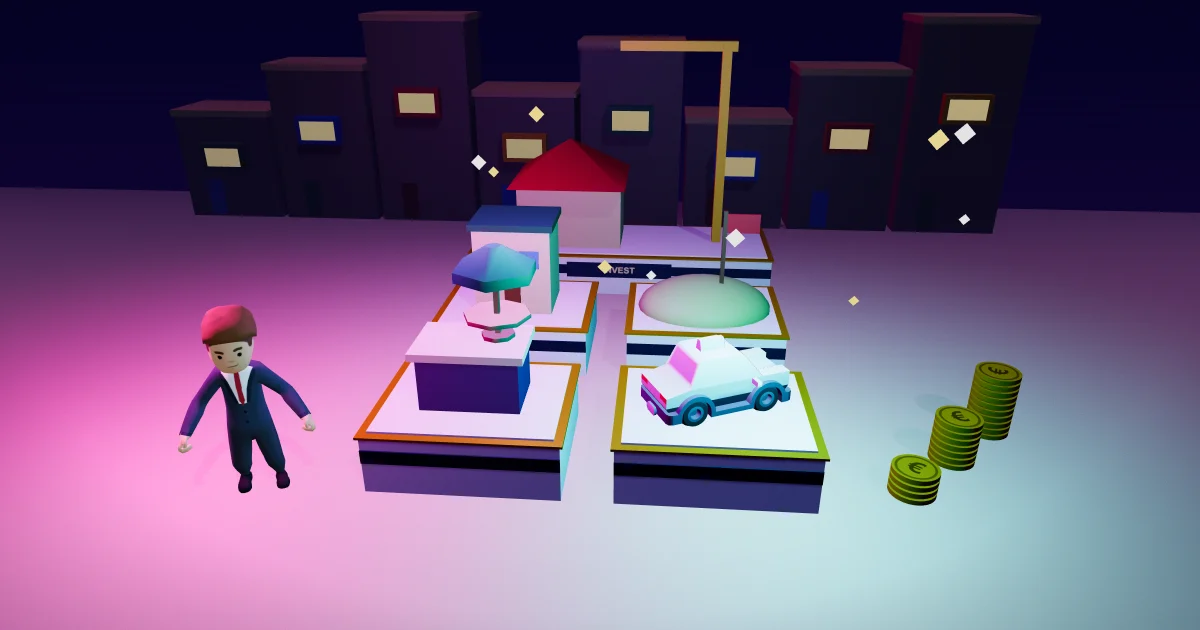
Then come the boxes, two to a row, in order from cheapest to dearest:
- Businesses, from a €40 gumball machine up. The box shows how many are for sale and how many are yours.
- Property: flats and houses to let. Rent arrives once a week.
- Land: plots and fields that grow in value every week, three of each at most.
- Cabs: cars running as cabs, paid every evening. Without a car, the box is greyed and points you to the Cars app to get one.
Owning nothing yet? The Businesses and Land boxes show the cheapest price instead, and the top card points at the cheapest first step: backing the skatepark from €100.
A box opens its own page with two halves: Yours and For sale. It opens on Yours when you own some. Each thing you own is folded to one card: what it makes, how far it has paid back and its last payout. Tap it to see it in full, with Sell, Rent it out or Run it as a cab. For sale works the same way: a row each, with its price and a line about it ("Steady · pays back in 21 days"), and a tap opens its card with Buy. Businesses have two filters, I can afford and Low risk, and the fastest to pay back come first. Own more than five of one kind and Yours shows five, with the rest a tap away.
The phone's back button takes you from a box back to Invest, as it does in Earn. Every number still comes from the server: prices, payouts, loans and sales haven't changed, only where they sit. For what each kind actually pays, see our guide to life sim investing.
Why boxes
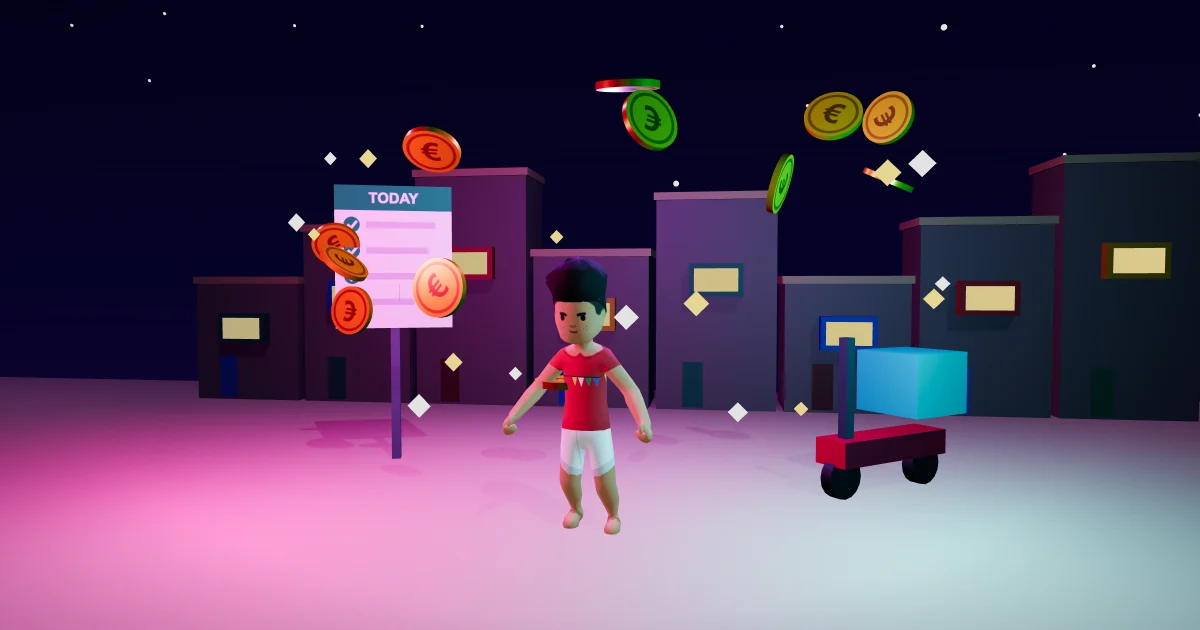
Earn already worked this way: a summary on top, equal boxes, each opening its own page. Players find their way around it without being shown. Invest now borrows the same idea, so a new kind of investment later is simply one more box, with nothing else to rearrange.
It also fixes the root of the broken button. Every link into Invest now names its box and, for a build, the build: Bonġu!'s slides, Marisa's suggestions at the Bank, the note when a home grows in value. Our tests tap Bonġu!'s and Marisa's on a phone-sized screen, so they keep landing in the right place.
Malta Living is a free Malta life simulator you play in the browser. Play it free and open 📈 Invest on your phone. Cabs need a car first: cars, bikes and scooters covers buying one. The skatepark stands by the marina in Msida, and it opens on Monday 2 November at 18:00.
Questions people ask
Where did the Invest tabs go?
Each tab is a box now: Businesses, Property, Land and Cabs, with Builds on top. Yours is the dark card at the top: tap it for everything you own, by kind.
How do I back the Msida Skatepark from Invest?
Tap the wide skatepark card under your money. It opens the build with the amounts showing, from €100 to €2,000 of game euros. You can take it all back any time before it opens.
Why is the Cabs box grey?
You need a car to run a cab. Tap the grey box and it opens the Cars app, where you can buy one, then run it as a cab from Invest.
Did any prices or payouts change?
No. Only the layout and the links changed. Every price, payout, loan and sale is the same as before, and it's all game euros.