Guides · · 2 min read
Post a photo from the game in Gossip
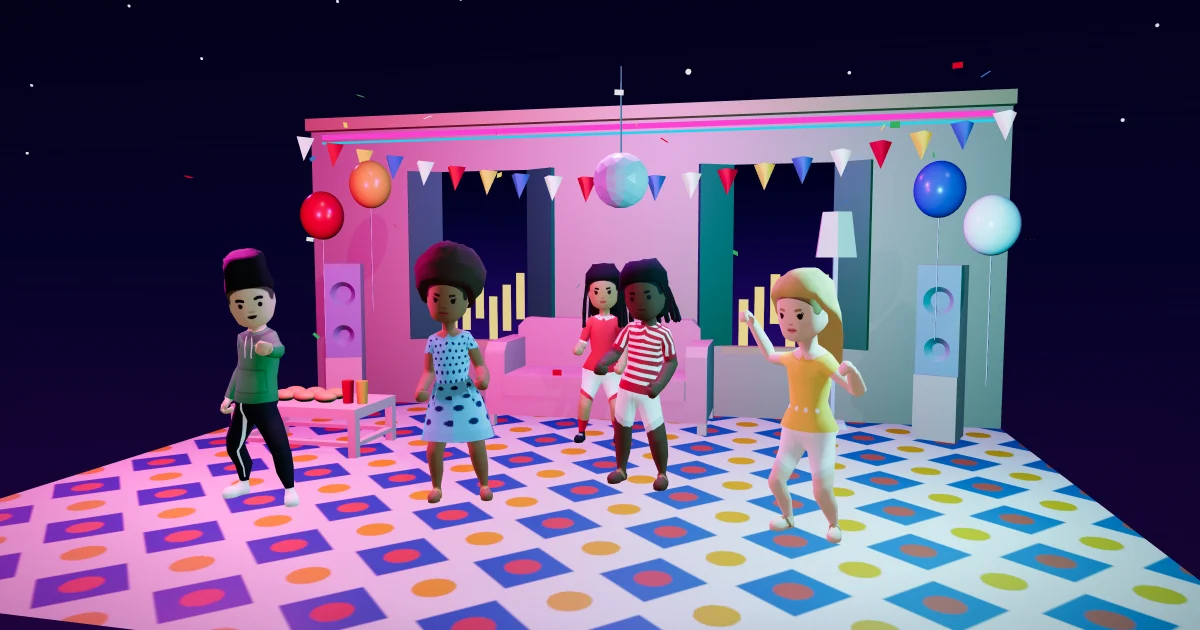
You threw a great party, and the group photo at the end was the best part. Now you can post it. In Malta Living, the free life sim you play in your browser, you can post a photo in Gossip: a photo the game made with you in it.
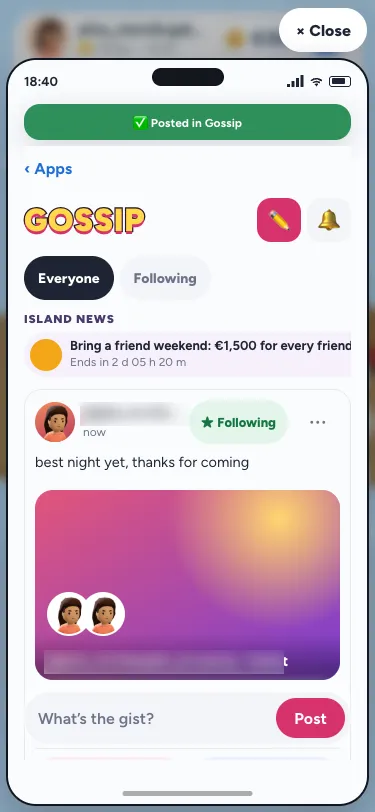
Only photos the game made
There is no upload and no gallery. When you write a post, tap Add a photo and Your photos opens with the last 30 days of photos the game made with you in them:
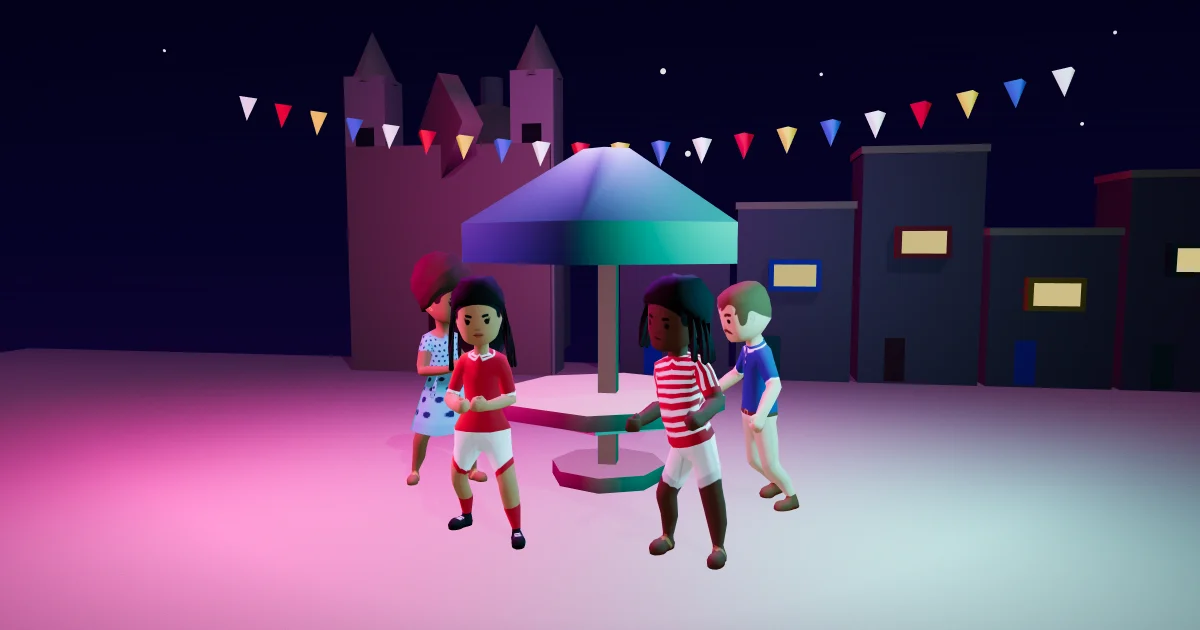
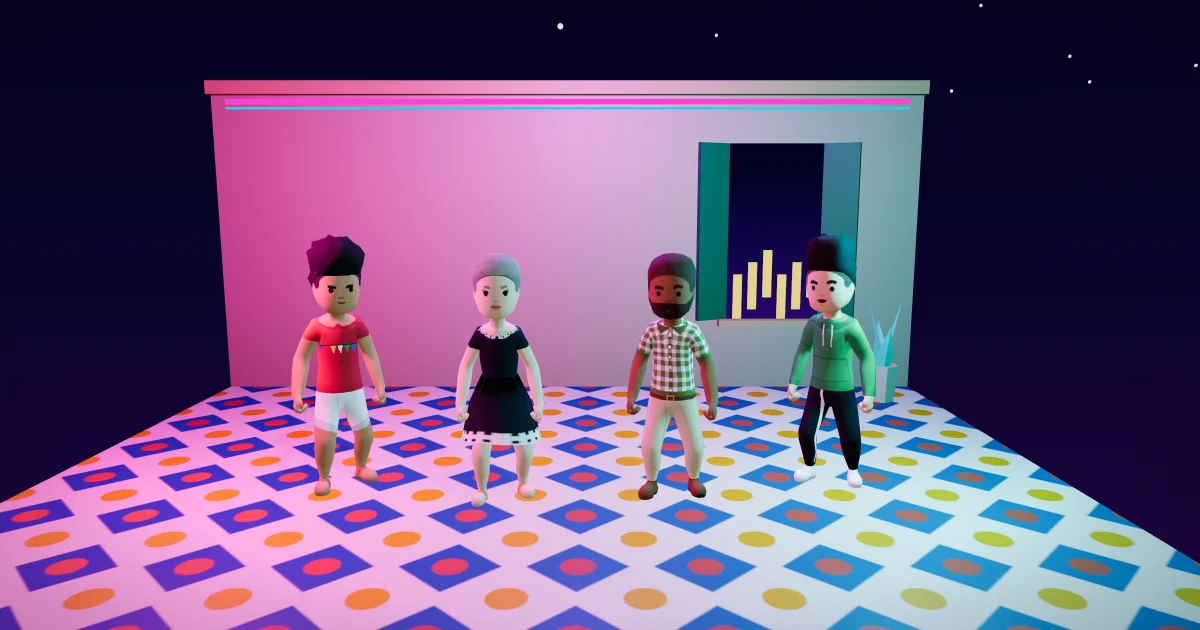
- Parties: the group photo at the end of a party, at home, at a venue or on a boat.
- Visits: the 📸 you took at a party or a visit.
- Moments: a moment card, like a new home or your first car.
Pick one and post. Because every photo is a real moment from the game, there is nothing to moderate except the words you write.
Everyone in it can see it, and can leave it
A photo only ever has people who were really there. Everyone in the photo can see your post. Tap the photo to see it full screen with the list of who is in it, and anyone in it can tap Take me out. They become a grey outline in that post for everyone, and the person who posted can't put them back.
Who isn't in your photos
Photos with someone you have blocked, or who has blocked you, aren't offered. If you post a photo and someone in it later blocks you, they see your post without the photo. Photos from jail or a bank job are never offered, and a photo is only ever one you are in yourself.
Changing your mind
You can take the photo off your own post for 15 minutes after posting: tap ⋯, then Edit, then Remove photo. You can't swap it for another one, so a post that earned likes with one photo can't become a different post. If a post is reported and hidden or removed, the photo goes with it.
Why it matters
Gossip is where the island talks, and the best moments of the game are the ones you share with other people. A group photo from your party, shared with the friends in it, is the kind of thing a life sim should make easy. Read more about house parties, clubs, friends and Gossip, how the game keeps Malta Living safe and what moderators do. New here? Start with the Malta life simulator guide. For tips on sharing photos of other people responsibly, see Get Safe Online.
Questions people ask
Can I upload a photo from my phone?
No. You can only post photos the game made with you in them.
Can someone take themselves out of my photo?
Yes. Anyone in it can tap Take me out, and they show as a grey outline. You can't put them back.
Which photos can I post?
The last 30 days of party photos, 📸 photos from visits and parties, and moment cards, all with you in them.
Can I change the photo after posting?
You can remove it for 15 minutes, but not swap it for another.