Behind the scenes · · 3 min read
Your papers, with a warmer place to live
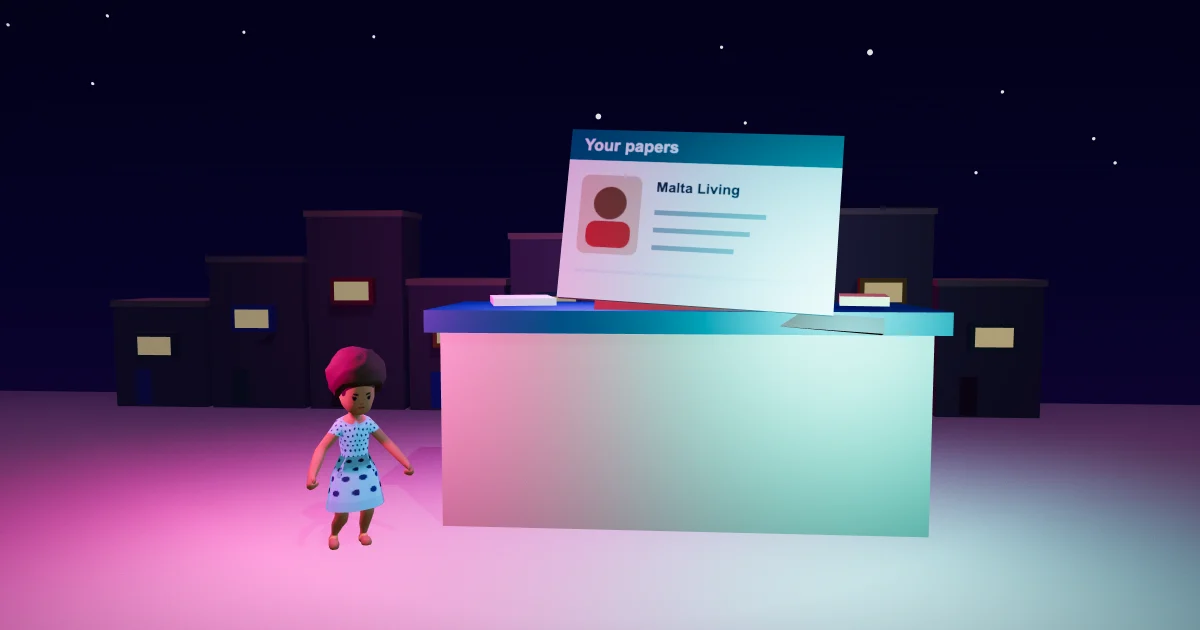
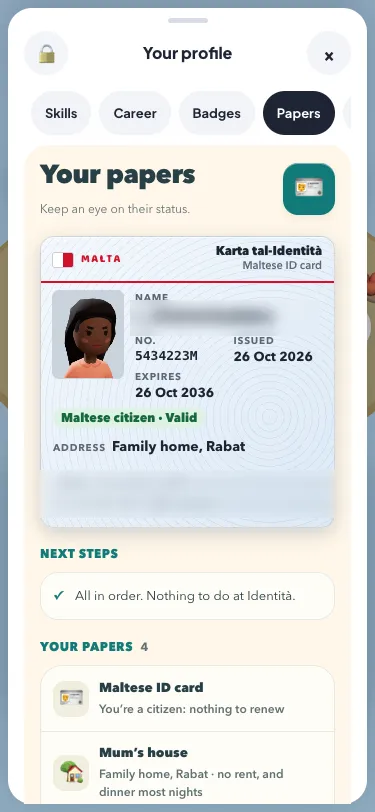
The Papers wallet in Malta Living has a warmer look. Open your profile and choose Papers: cream surfaces, teal headings and rounded document rows give the information a clearer place. Your actual card, the papers you hold and the existing Next steps are still together. When your card carries an old address, a short warning makes that easier to spot.
This is the next small part of the Sunshine Club update. The everyday game controls received their first warm finish; the wallet now brings that same feeling into your profile. Its job is simple: help you read what you have and find what needs your attention.
Your own card stays at the top
The wallet keeps the document that belongs to your life. A local has a Maltese ID card. A permit holder has a residence card. A tourist has a passport with the Malta entry stamp. Your picture, number, dates and the relevant address remain on that document, so the card still feels like something that belongs to your character.
The surrounding cream panel gives the card room without replacing it with a generic status tile. You can still read whether a residence card is waiting to be collected, a permit needs attention or a tourist's stay is approaching its end. Those details come from your life in the game. The origins guide explains how the different ways into Malta affect your documents.
Papers with room for their details
Under the card, Next steps keeps the existing guidance and links. Below that, your held papers sit in clear rows. A document's name, what it says and any date stay together. The list grows with what you actually have: your permit, employment contract, home papers, certificates, licences and qualifications appear when they belong to you.
The wallet also keeps your conduct line. Its new presentation helps separate one document from the next, while the familiar pictograms make the rows easy to recognise. A longer description can wrap on a narrow phone. You can scroll inside your profile to read the rest without having to move the page sideways.
Your home paper still reflects where you live. That might be a lease, deeds, your booking or Mum's house. If you are planning your next home, the homes guide explains the game's existing choices. A new wallet finish does not change the home or document you already hold.
An old address is easier to spot
Moving home can leave the previous address printed on your card. The wallet now puts a short warning above it, while the printed address keeps its Old marker. Next steps still explains the existing way to update it at Identità. You can read the detail and use the same link as before.
This warning helps you notice something already recorded by the game. It does not introduce a new fine, fee or deadline. The card and the next-step guidance continue to use your current game state; a tourist's passport has no address printed on it.
Made for a phone
The cream wallet and its document rows fit inside the existing profile sheet. On a smaller screen, the text has room to wrap and the contents scroll. The existing Go controls retain comfortable touch areas, following the W3C's enhanced target-size guidance. That guidance describes a target of at least 44 by 44 CSS pixels, with stated exceptions.
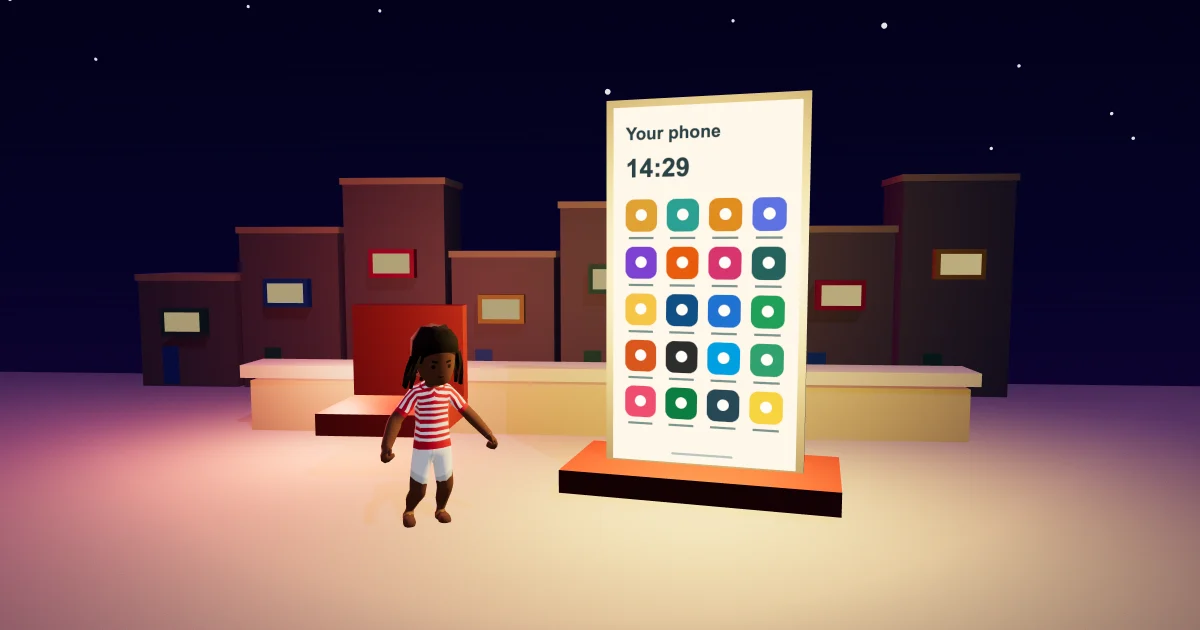
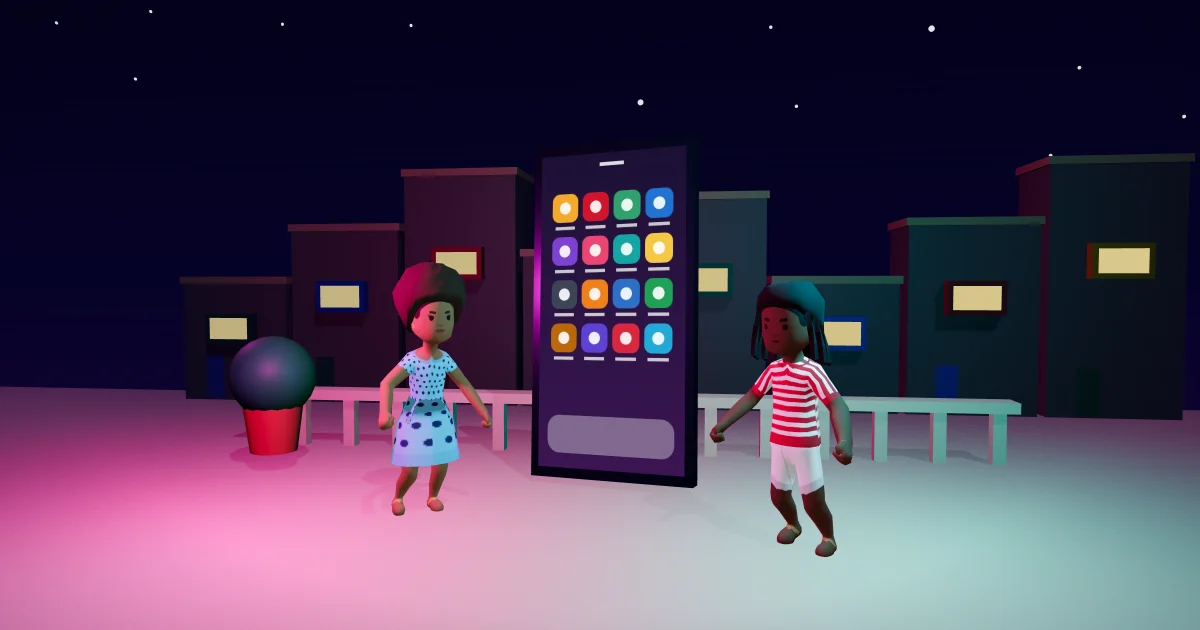
You still open your profile from your picture. The phone guide can help you find Identità and the other apps when your next step takes you elsewhere. You can play Malta Living free, open Papers and see the warmer wallet around your own documents.
For work, homes and friends, start with the Malta Living guide.
Questions people ask
Where is the cream Papers wallet?
Tap your picture to open your profile, then choose Papers. Scroll inside the profile to see the card, Next steps and your full held-paper list.
Why does the wallet warn about an old address?
Your ID or residence card can still carry your previous home after a move. The warning points to that existing state; Next steps explains the update at Identità.
Does the new wallet change the papers I hold?
Your documents and their details stay the same. The update changes their presentation and makes the old-address state easier to notice.