Guides · · 3 min read
Make a little room for work
Flexible shifts in Malta Living give work a little breathing room. Your job offers broad windows for clocking in, so a busy morning need not end the chance to enjoy a shift. Choose the window that fits, arrive at your workplace and play the same ten-minute working day.
This is one more way to make a day your own in Malta Living, the life simulator. It builds on the existing careers and promotion ladder, with familiar pay, situations and work moves. The new choice is when to begin.
A window to start, a short shift to play
Open your phone, choose Jobs and tap Change my window on your current job. You can also change it from the Your job card at the workplace. The choices belong to that role and are shown in Malta time.
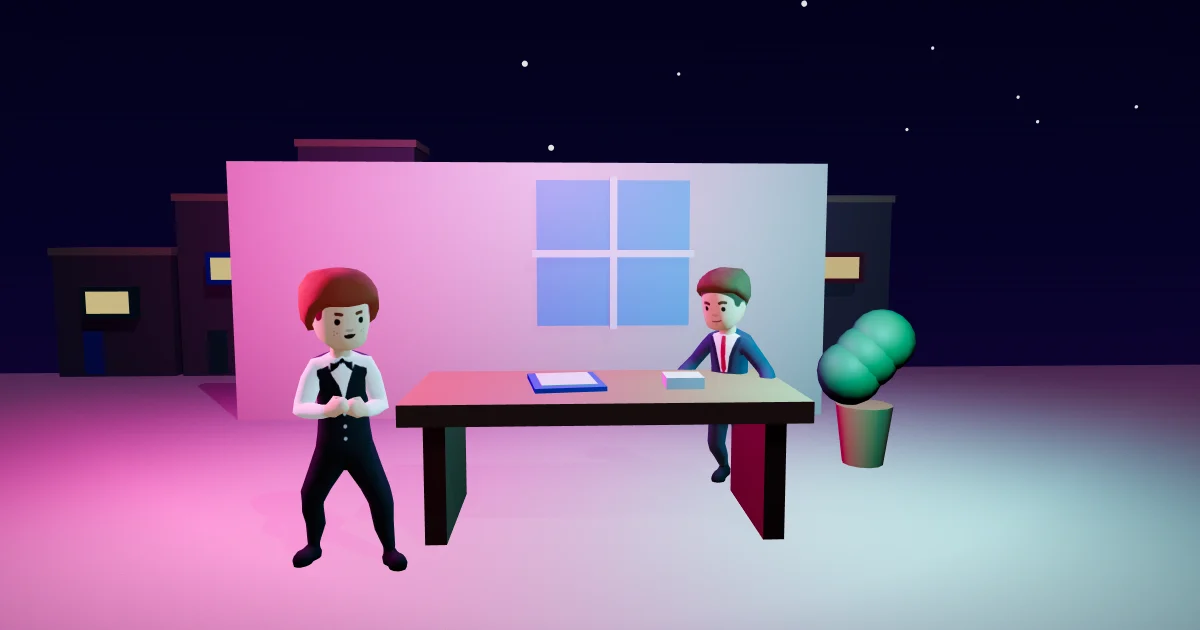
At The Phoenicia, for example, a Commis Waiter can choose morning, afternoon or evening. The morning begins at 07:00 and closes at 12:00, afternoon runs from 12:00 to 17:00, and evening runs from 17:00 to 22:00. Start inside your chosen window; you do not need to stay for all of those hours. The played shift remains ten minutes.

Different roles offer different choices. An office job does not become an overnight job just because its building is open. Nightlife has a night window, while a public counter keeps its daytime hours. You still need to be at your workplace, free to begin and able to work under the existing permit and first-day rules.
Missed the morning? There is still room
If your chosen window has closed and another one remains that work day, the card offers a switch. Take the afternoon, for example, then head to work. You keep the same shift length and the same pay for completing it.
Changing a window does not create another paid shift. Once you have worked that day, a different pick plans your next shift. The weekly limit also stays, across every job you have held. This keeps the choice useful without making it a way to collect the same working day twice.
For a night window, the work day is the date on which that window begins. Crossing midnight does not create a second opportunity to be paid for that night. The card and your week use the same starting-day record.
When the whole day gets away from you
Automatic cover keeps its familiar setting. If it is on and you do not attend, cover settles at its existing time and pays 80% of your usual shift pay, with less skill gain and no good shift for promotion. A €55 shift, for example, is covered for €44. Going yourself remains the better way to build progress.
With cover off, missing every available window means no shift pay for that day. You remain employed, with your saved rank and progress. Simply being offline adds no new attendance warning or dismissal. Public holidays keep their existing rules too.
If you are still finding a role, short job interviews explain the conversation before an offer. Between shifts, the daily missions and other ways to earn can fill another small part of the day. Jobsplus is Malta’s public employment service; your employer’s existing in-game registration still happens when you accept a job.
Play Malta Living free, open Jobs and choose a window that leaves room for the rest of your island life.
Questions people ask
Do I have to play for the whole clock-in window?
No. The window tells you when you can start. The played shift still lasts ten minutes.
Can I recover a missed morning without losing my job?
Yes. Choose a later available window that work day. Missing a window does not introduce a new attendance warning or dismissal.
Does changing my window give me another paid shift?
No. Each work day pays for one shift, across windows and careers. Night work belongs to its starting date, and the existing weekly cap still applies.