Behind the scenes · · 4 min read
A new look: clearer words, a slimmer top bar, more room
The Malta Living new look is here, and it is mostly about room: room for the island on your screen, and room for the words to breathe. The game now uses one set of fonts everywhere, the top bar is slimmer, your needs are pictures you can read at a glance, and your phone opens straight onto your apps.
Nothing about how you play has changed. Every button still does what it did. It is the same game, easier on the eyes.
One set of letters, on every phone
Until now the game's top bar and phone used a font that many Android phones don't have, so they quietly swapped in their own. Two players could see the same screen in two different styles. Now every word comes with the game itself: Figtree for everything you read, and Bricolage Grotesque for names, titles and your money. They look the same on an iPhone, an Android phone and a computer.
Both fonts have every Maltese letter. Ċ, ġ, ħ and ż are part of the Maltese alphabet, and a font that lacks them drops in a letter from a different typeface right in the middle of a word. "Bonġu!" and "Ħal Qormi" now read as one word, in one style.
A slimmer top bar
Your picture, your mood and your money sit along the top, with your six needs underneath. The bar is now a little shorter, which gives the room or street below a few more pixels, and every button in it is still as easy to tap.
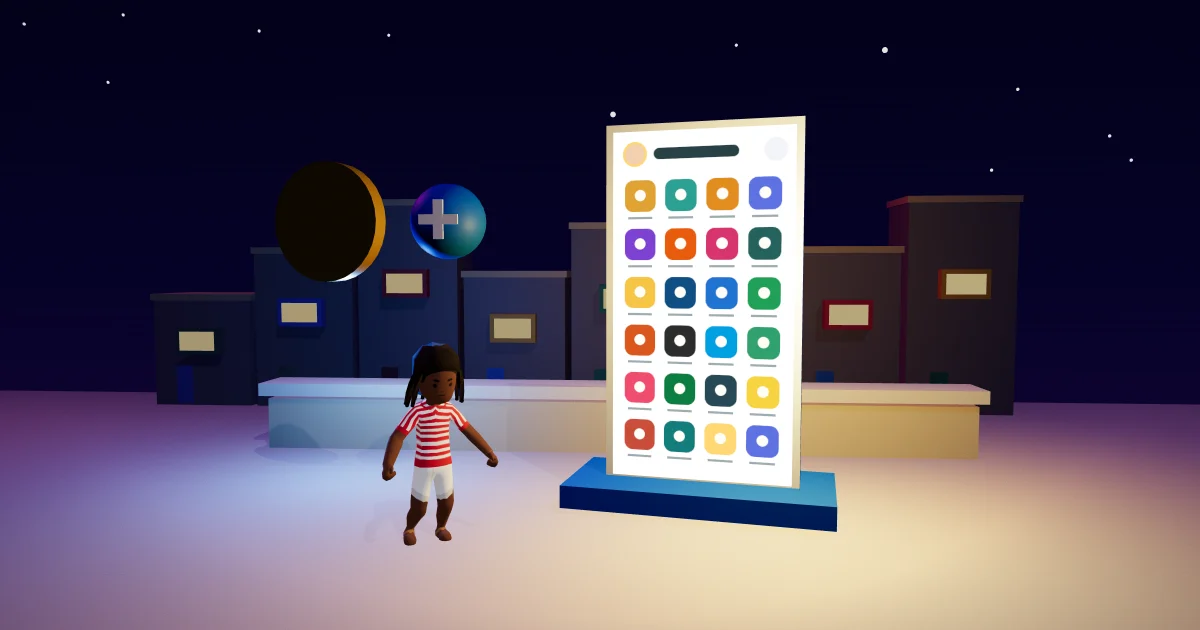
The money pill is white, with a gold coin and a blue + for top-ups. Big amounts shorten so they always fit: €657k, €2.98M, €1.2B. Tap the amount to see it to the cent, as before.
Your needs were six thin line drawings, and one of them looked like a star. Now each is a small picture that matches its own symbol: a plate for Hunger, a bolt for Energy, a party popper for Fun, speech bubbles for Social, bubbles for Hygiene and a toilet for Bladder. Hold one for a moment and its name and level appear underneath. Tap them, as always, to open your needs.
Your phone opens on your apps
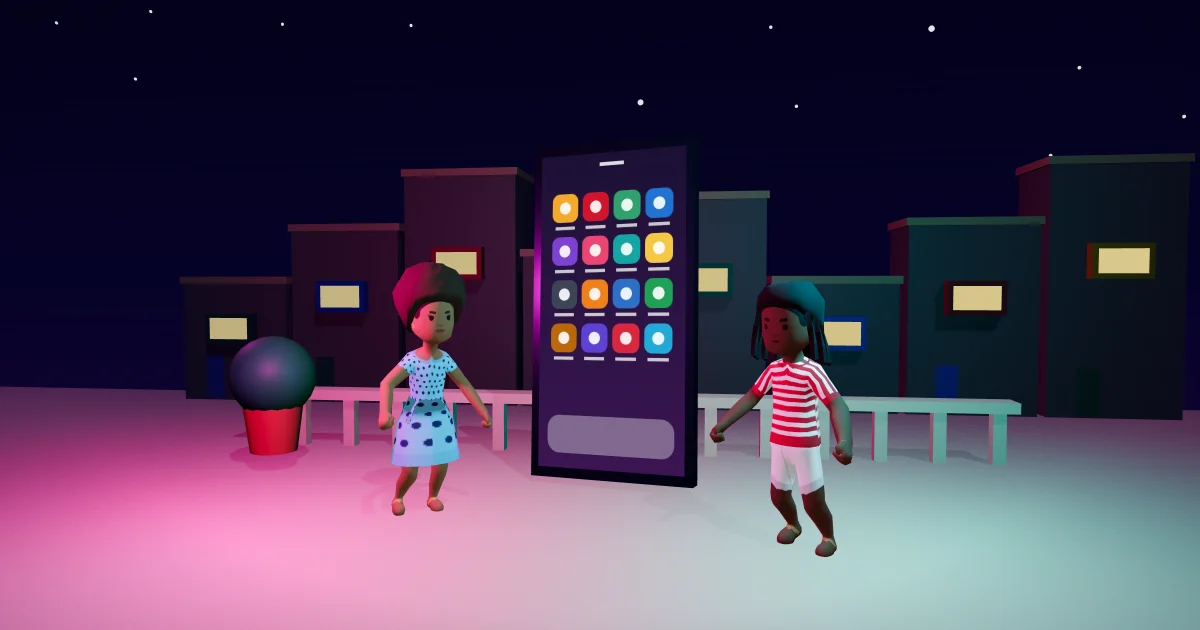
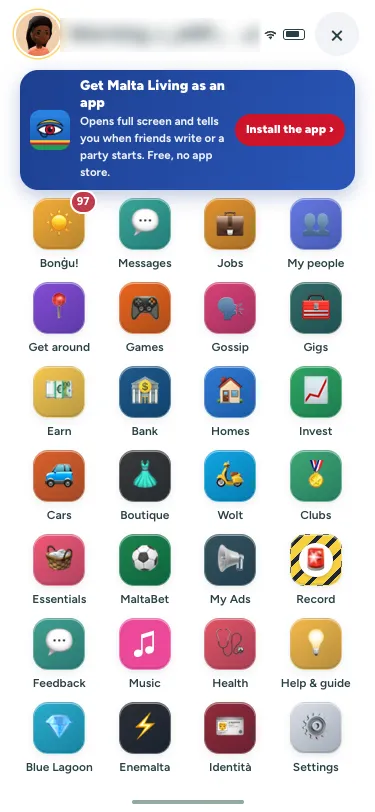
The phone used to open with a big title, a big clock and the date, which took up the top third of the screen. The time is already in the top bar, so the phone now starts with one slim row: your picture (tap it for your profile), a greeting, the signal and the close button. The apps start right under it, so on most phones you see two more rows of them without scrolling.
If you are new to the apps, the phone apps guide walks through what each one does.
Clean view is a broom
Clean view hides the reminders and chips so you can just look at the island. It used to be a text button that floated over other buttons. Now it is a round broom at the top of the buttons on the right. Tap it and it turns blue, with a short note saying what happened. Tap it again to see everything. On a small phone, the buttons on the right fit themselves into the space you have, so none of them lands on the panel.
The chips on the left, like today's missions, also stop short of those buttons now. The daily missions guide explains what they are for.
Small things, everywhere
The chips inside a panel, like "Your things" at home, are now smaller than the panel's title instead of bigger. The counts under the top bar match them. You will notice it most at home: the Buy mode guide shows the panel where you will see it.
New to the game? The Malta life simulator guide is the place to start, or just play Malta Living free.
Questions people ask
Why do the letters in Malta Living look different now?
The game now brings its own fonts, Figtree and Bricolage Grotesque, so every phone shows the same letters. Before, many Android phones fell back to a plainer font of their own.
What do the pictures next to my needs mean?
A plate is Hunger, a bolt is Energy, a party popper is Fun, speech bubbles are Social, bubbles are Hygiene and a toilet is Bladder. Hold one to see its name and how full it is.
How do I turn Clean view off?
Tap the blue broom at the top of the round buttons on the right. It turns white again and everything comes back. Your choice stays while you play in that tab.
Why does my money say €2.98M instead of the full amount?
Large amounts are shortened so they always fit in the pill. Tap the amount to see it exactly, to the cent.