Guides · · 3 min read
Health, with room for you and your friends
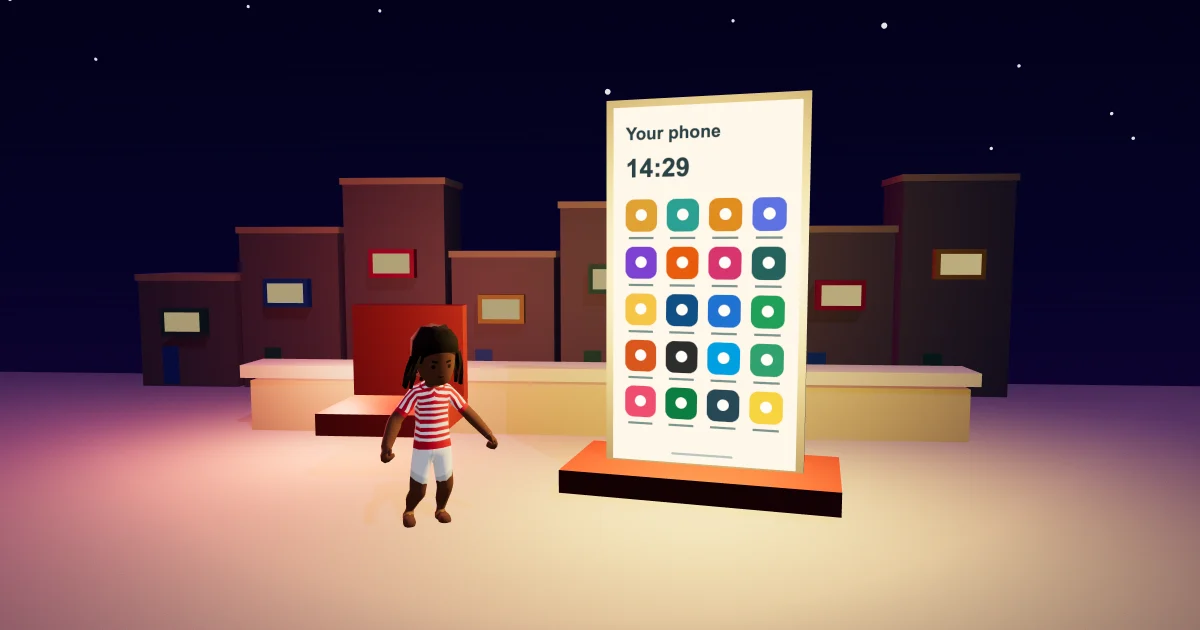
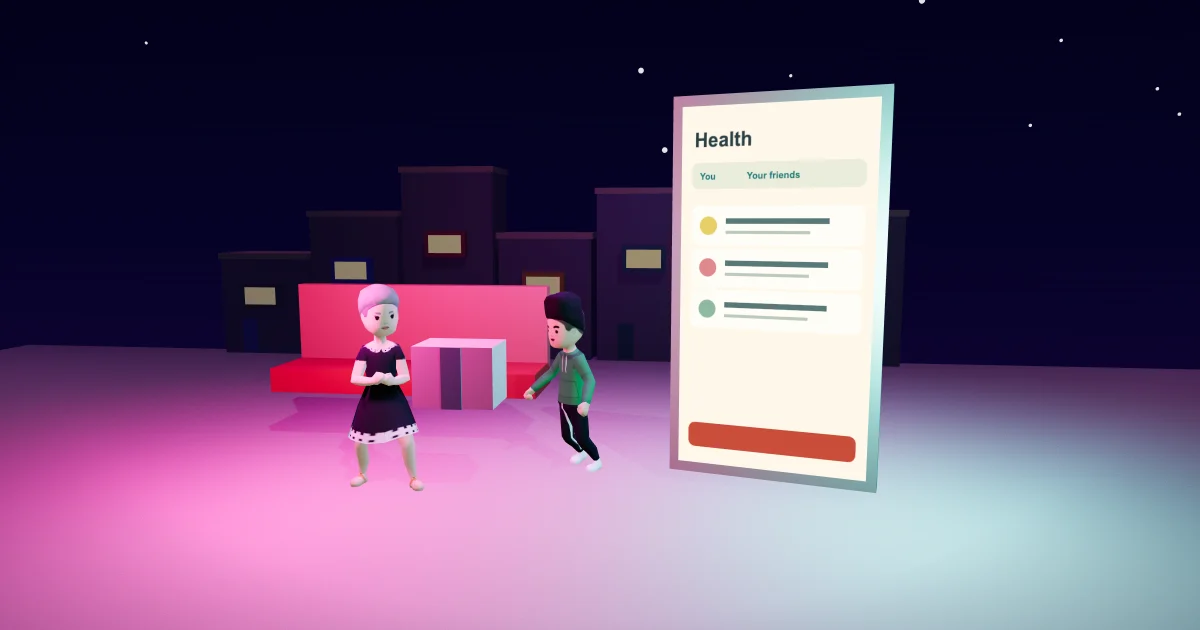
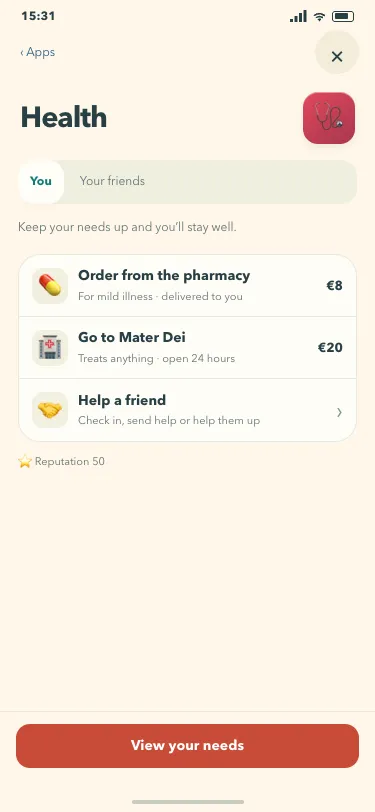
The Malta Living Health app has a warmer look and two clear places to start: You and Your friends. Open Health on your phone to see your own care options, or switch tabs to find a friend who needs a hand. The familiar pharmacy, hospital and friend actions keep their existing rules.
This is the next part of the Sunshine Club look. Cream paper, a familiar app icon and a coral button give the page more breathing room. The useful change is in how the information is grouped: your own health has its place, and each friend's request has theirs.
Start with you
The You tab shows how you are doing. If you have an active condition, it remains visible with its explanation. Your drink status still appears when it applies, and your reputation is still there. A healthy day stays simple, with a short reminder to keep your needs up.
The care rows keep their familiar destinations. Order from the pharmacy uses the existing delivery action for mild illness. Go to Mater Dei opens the hospital's place on your map. Each row shows the current game price, and the pharmacy option stays unavailable when there is nothing it can treat.
The hospital is one of the places that connects the island to the game. For information about the hospital itself, see the official Mater Dei website. The actions and prices described here belong to the game.
Your needs are one tap away
View your needs sits at the foot of the You tab. It opens the same Needs page you can reach from the bars at the top of the game. You can check what is low and decide what to do next without hunting through another app.
Perhaps the next stop is home for a meal or a rest. Perhaps you are already out with friends and need a small break before continuing. The Health page gives you a route back to those everyday decisions; it does not add another meter to look after.
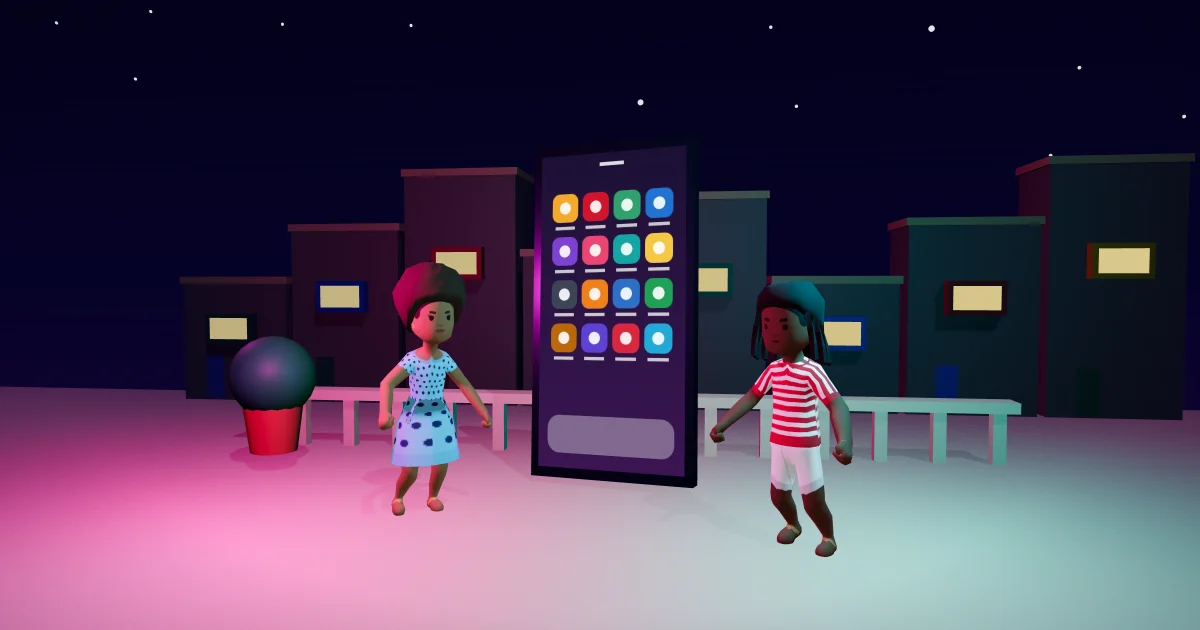
The phone guide explains the wider app launcher. If you are still finding your way around work, homes and the island, the Malta Living guide brings those parts together.
Help the person who needs it
Tap Your friends, or the Help a friend row, to see the people whose help cards are waiting. Each card keeps the person's own message and the actions available for that situation. You can check on them, send help, or help them up when that option is available.
Choose the action on the person's card. There is no shared button that guesses whom you meant. When nobody needs help, the tab says so plainly. You can return to You at any time.
The friends and clubs guide covers more ways to spend time together. Health is one small part of that social life: a place to notice when somebody needs a hand, alongside the chats, visits and activities you already share.
Questions people ask
Where are my friends' Health cards now?
Open Health on your phone and tap Your friends. The Help a friend row on the You tab opens the same list.
Does the refreshed Health page change treatment prices?
It shows the existing game prices and uses the same care actions. The new layout groups your care and your friends' help cards into separate tabs.
Where does View your needs go?
It opens your existing Needs page. The same page is available from the needs bars above the world.
You can play Malta Living free and open Health from your phone whenever you want to check in.