Guides · · 3 min read
Seven ways to react on Gossip, and a Like for every comment
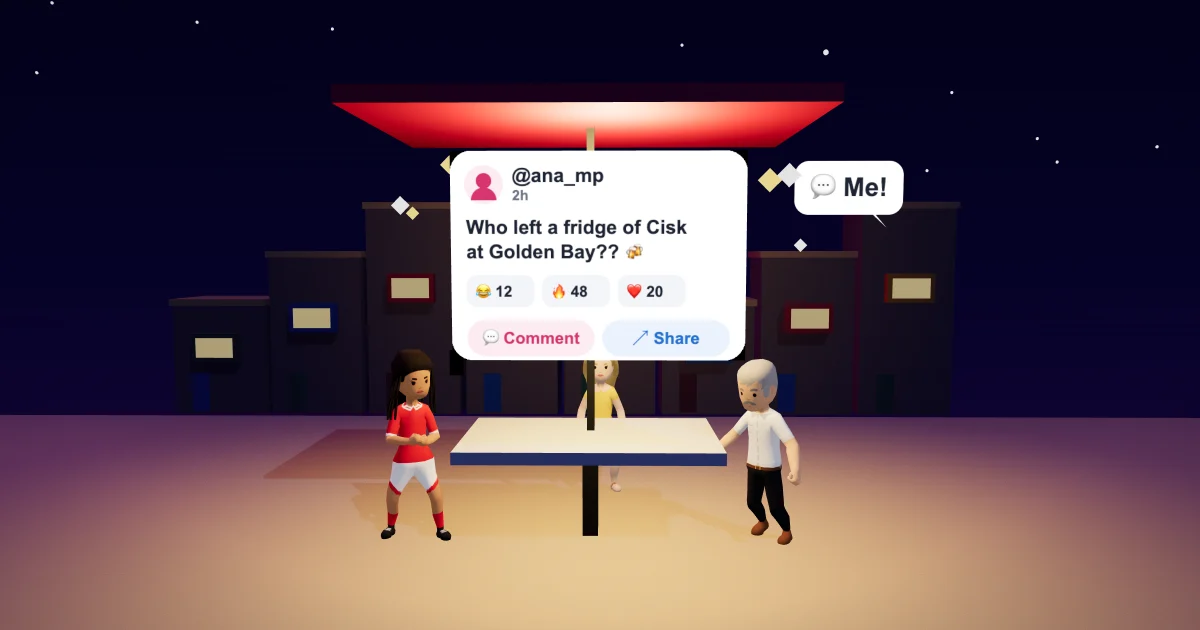
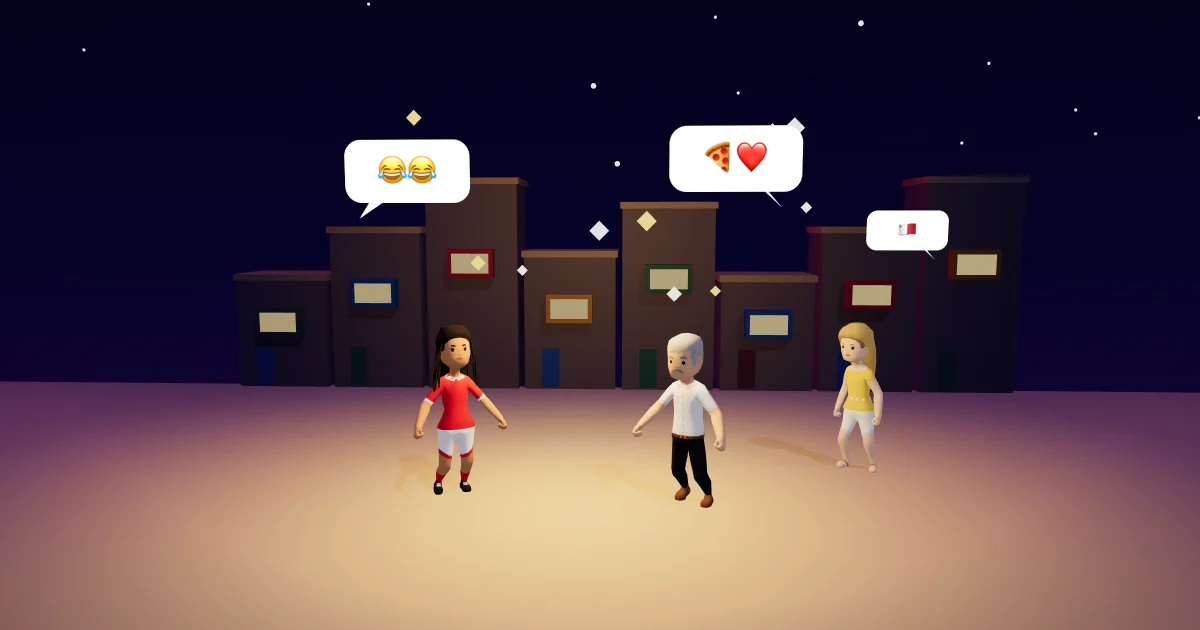
Gossip reactions just got more honest. Gossip is the island's feed in Malta Living: who left a goat at Golden Bay, who took over a bar, who's throwing a party tonight. Until now you had four ways to answer a post: 😂, 🔥, 👀 and ❤️. That's fine for a joke or a sunset, but some posts deserve something else. So there are three more, a cleaner row under every post, and a proper Like for comments.
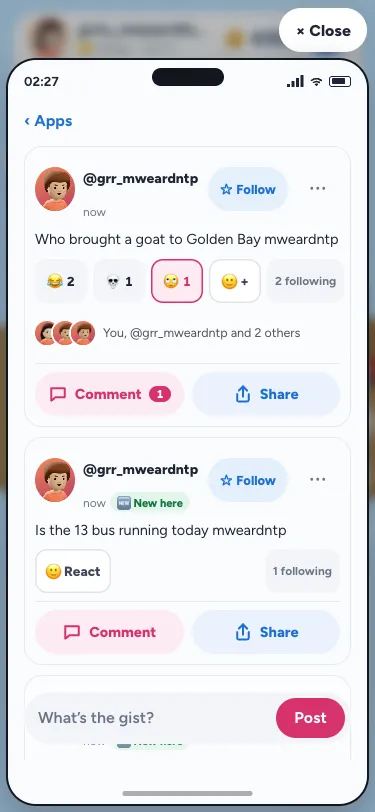
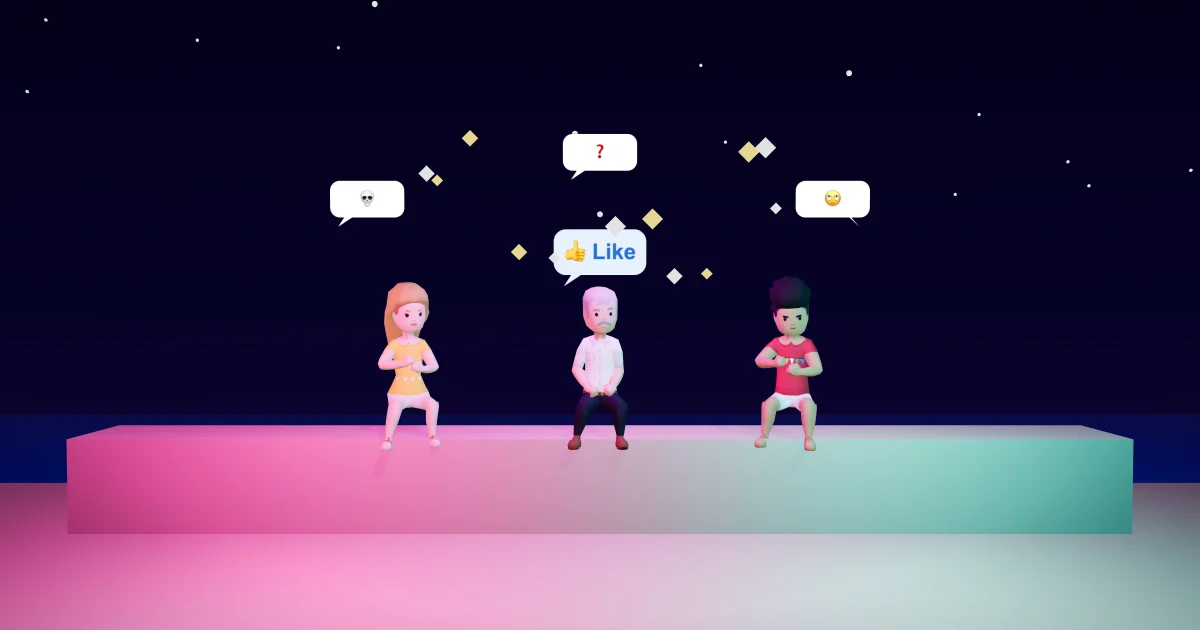
The three new reactions
- ❓ for when you don't get it. A post about a rule you've never heard of, a photo with no caption, a riddle someone forgot to finish.
- 💀 for when it's so funny you're done. The goat story. The friend who parked on the ferry ramp.
- 🙄 for when it's a bit much. Another "first to the beach" post at 6 am, a brag about a new car.
They sit alongside 😂, ❤️, 🔥 and 👀. There's still one reaction per person per post: tap another and yours changes; tap yours again and it's gone. And there's still no thumbs down. Gossip is for talking, not for piling on.
A tidy row, not seven zeros
Seven buttons in a row with a zero under each would crowd every post, and on a small phone they'd wrap onto a second line. So the row now shows only the reactions people actually used, most popular first, as many as fit on one line: three on most phones, two on the narrowest. After them comes a +. Tap it and all seven open in one row just above, each big enough for a thumb. Pick one and the row closes.
If nobody has reacted yet, you'll see a single 🙂 React instead of a row of zeros. And your own reaction always stays in view, even if it's the least popular one.
To see who reacted, tap the faces under the reactions, as before. The list now has a tab for each reaction people used, the new ones included, with your friends first. Your 🔔 Activity names the new ones too, so you'll know when your post got a 💀.
A Like on every comment
Comments always had a ❤️, but only on the team's posts, and even there it was small enough to miss. Now every comment has a 👍 Like button beside Reply, as tall as the other buttons. It says "Like" until someone likes the comment, then shows how many have. Tap it again to take your like back. You can't like your own comment.
On the team's posts, the likes still decide which ideas come first under Top ideas, so a 👍 there is a vote for what we build next.
Why we changed it
Laughing or loving were too few ways to answer a post. We kept the list short on purpose: seven is enough to say what you mean, and few enough to fit in one row on every phone we test, from a large iPhone down to a small 320-pixel screen. The "most used first" row is how many big apps show reactions, and it keeps busy posts readable. (If you're curious where emoji reactions began, Unicode's emoji pages are a good start.)
More about Gossip
Comment and Share sit right under every post: Comment and Share on Gossip explains them. Clubs, friends and Gossip covers how Gossip fits with your friends and clubs, and emoji in chat has the emoji keyboard. All of it lives on the phone in the game. New to the island? The Malta life simulator guide is the place to start.
Questions people ask
How do I react with 💀 or 🙄 on Gossip?
Tap the + under the post (or 🙂 React if nobody has reacted yet). All seven reactions open in a row; tap the one you want.
Why can't I see every reaction under a post?
The row shows only the reactions people used, most first, as many as fit on one line. The rest are behind the + beside them, with a small number saying how many more were used.
How do I like a comment on Gossip?
Open the post's comments and tap 👍 Like beside Reply. Tap it again to take it back. You can like anyone's comment except your own.
Is there a dislike button?
No. Gossip has no thumbs down, on posts or on comments.