Behind the scenes · · 3 min read
Daily missions, with a clearer next step
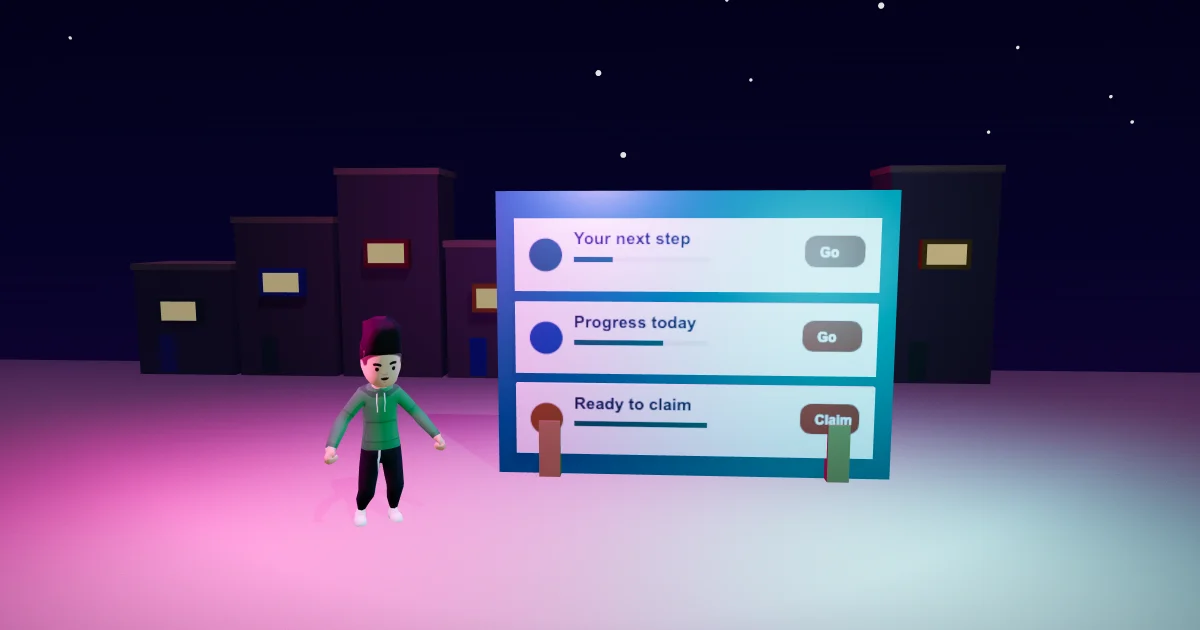
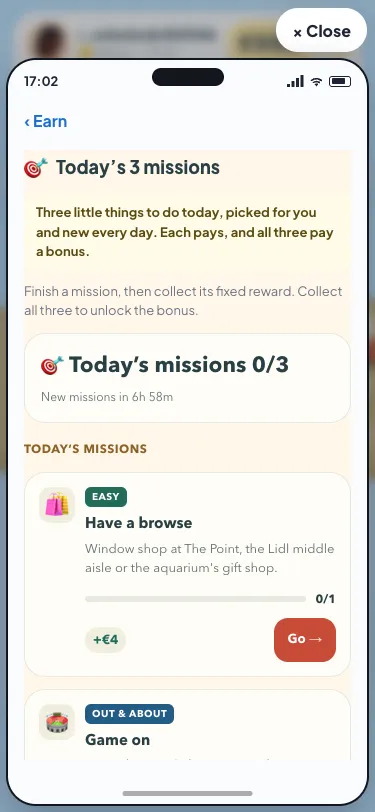
Daily missions cards in Malta Living have a warmer look. Open Earn and choose Today’s 3 missions: cream cards, clearer progress and coral Go and Claim buttons give each task a calmer place. The three tasks are still your actual missions for the day, with the same rewards and the same all-three bonus. This update changes how you read them.
The Sunshine Club direction brings warm surfaces and familiar symbols to the game. Here, that treatment reaches the Daily missions interior. The mission emoji, category tag, title, description and reward stay together, while a softer background separates each task from the one below it.
A task you can read at a glance
Each card keeps the information you need before choosing what to do. The tag tells you what kind of mission it is. The short description says what counts. The progress bar and its count show how far you have come, and the reward has its own place beside the next action.
A mission that is ready to claim receives a warm highlight. After you claim it, the card keeps its Claimed tick and a quiet green finish. You can still distinguish a completed task from one you have already collected. Reading one of those states does not require you to remember the colour alone: its words remain on the card.
If you are learning how daily tasks fit together, the daily earnings guide explains the existing missions and other ways to earn. This visual update leaves that system intact. You can plan around the tasks the game has given you, rather than a new set of examples or demonstration rewards.
Go still checks what is available
The existing Go button takes you towards an activity that counts for the mission and is on now. When the activity is not available, its opening explanation stays on the card. A clearer button does not skip the activity, perform it for you or change the conditions for finishing it.
For a mission that involves work, the jobs and careers guide explains those existing activities. Your daily card continues to show its own task and progress. The warmer finish is there to help you choose the next step while keeping the information close to the action.
Claim the task, then the bonus
Finishing a daily mission and claiming its reward remain separate steps. Once the task is done, its card offers Claim. While the request is being processed, that control stays unavailable. The server’s answer updates the card and the game’s existing reward confirmation.
The bonus remains below the three mission cards. It keeps its reward, sparkle amount and claimed count. When all three mission rewards have been collected, the bonus has its own Claim button. After collection, the card says it is claimed and will be back tomorrow. The new view does not change any amount or add another reward.
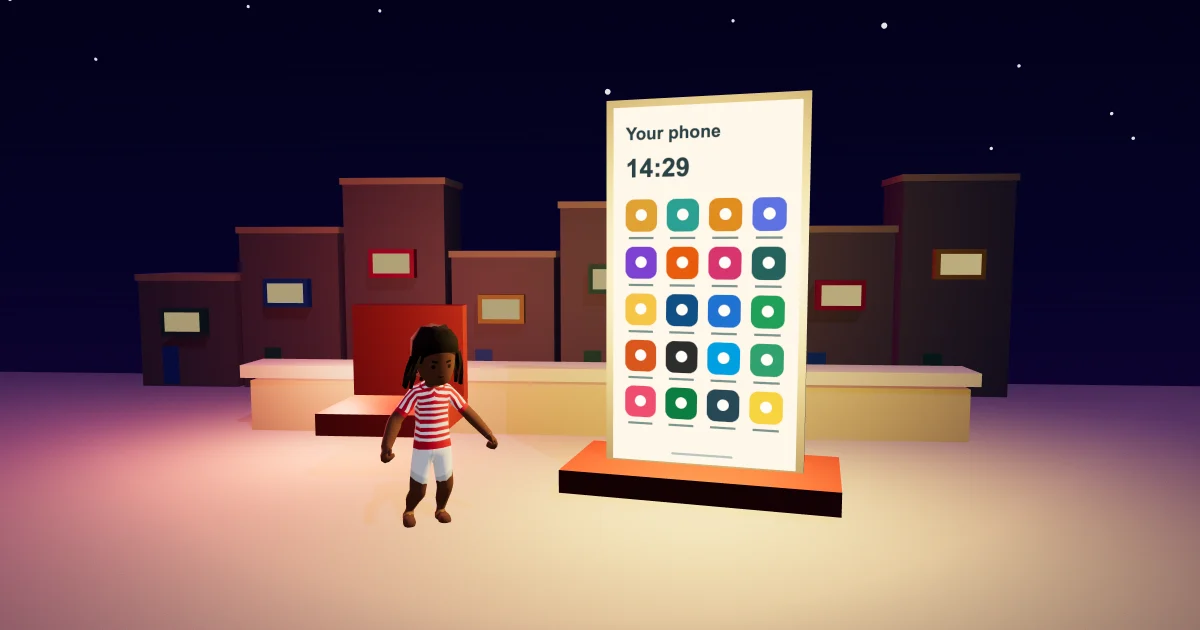
The page also keeps its countdown to the next missions. Your day still follows Malta time, and the game continues to decide which missions and activities apply to your life. If you need help finding Earn again, the phone apps guide explains where the apps live.
Comfortable on a small screen
The cards keep enough room for their descriptions and buttons on a narrow phone. Longer text can wrap, progress stays beside its count, and you scroll inside the phone to reach the bonus. The Go and Claim controls keep a touch area of at least 44 by 44 CSS pixels, the size described in the W3C’s enhanced target-size guidance, which also lists exceptions.
You can play Malta Living free and open your own Daily missions to see the warmer cards. For the wider picture of work, homes and friends, start with the Malta Living guide.
Questions people ask
Where do I find the redesigned Daily missions cards?
Open Phone, choose Earn, then Today’s 3 missions. This update applies to that interior page.
Does a highlighted mission mean its reward is already collected?
A finished mission still offers Claim until you collect it. After that, the card says Claimed and keeps its tick.
Where is the all-three bonus in the warmer view?
It stays below your three daily mission cards. Its own Claim button becomes available once all three mission rewards have been collected.