Behind the scenes · · 2 min read
A warmer Earn: twelve ways to make progress
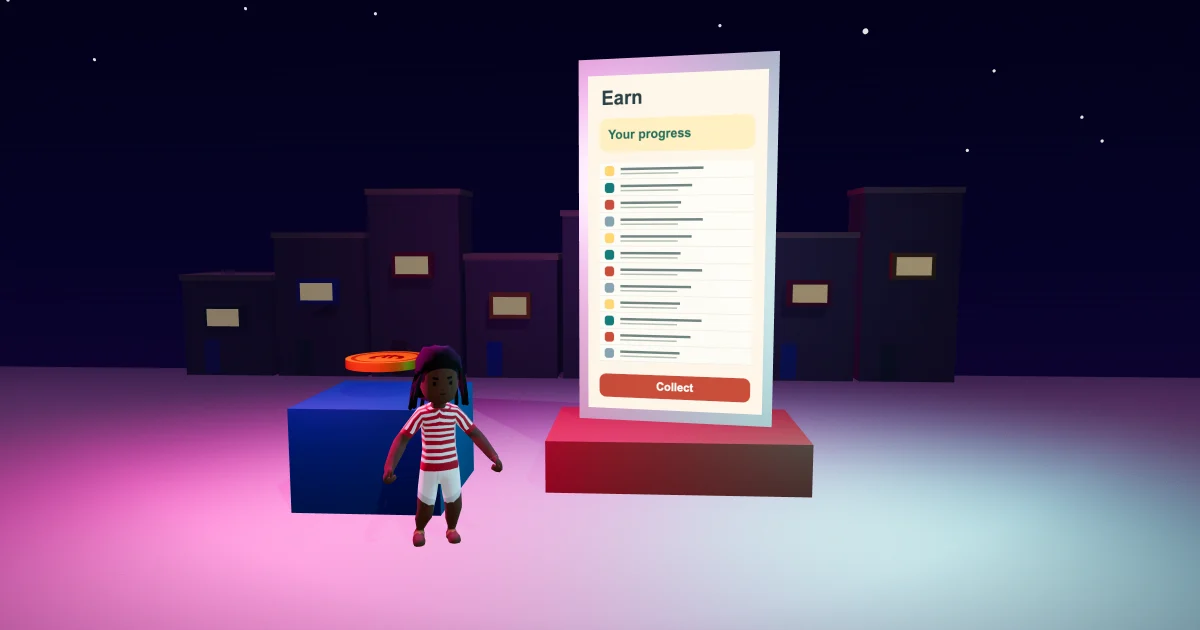
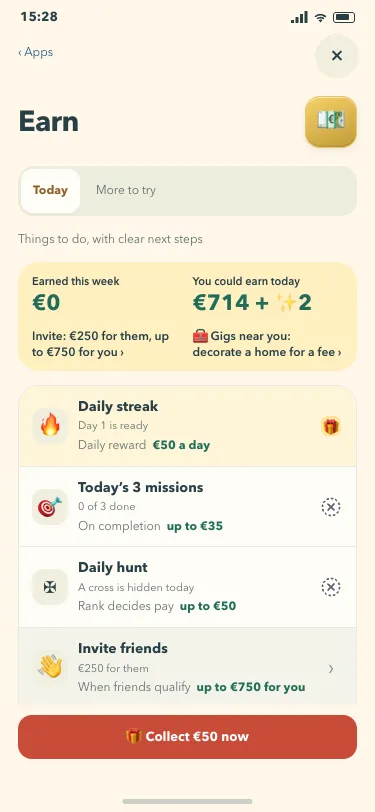
The Malta Living Earn list has a warmer Sunshine Club finish. Open Earn on your phone to find all twelve ways to make progress in one continuous list. Each entry keeps its familiar symbol, current progress and reward conditions. The numbers come from your game, so the page reflects what is ready and what still needs work.
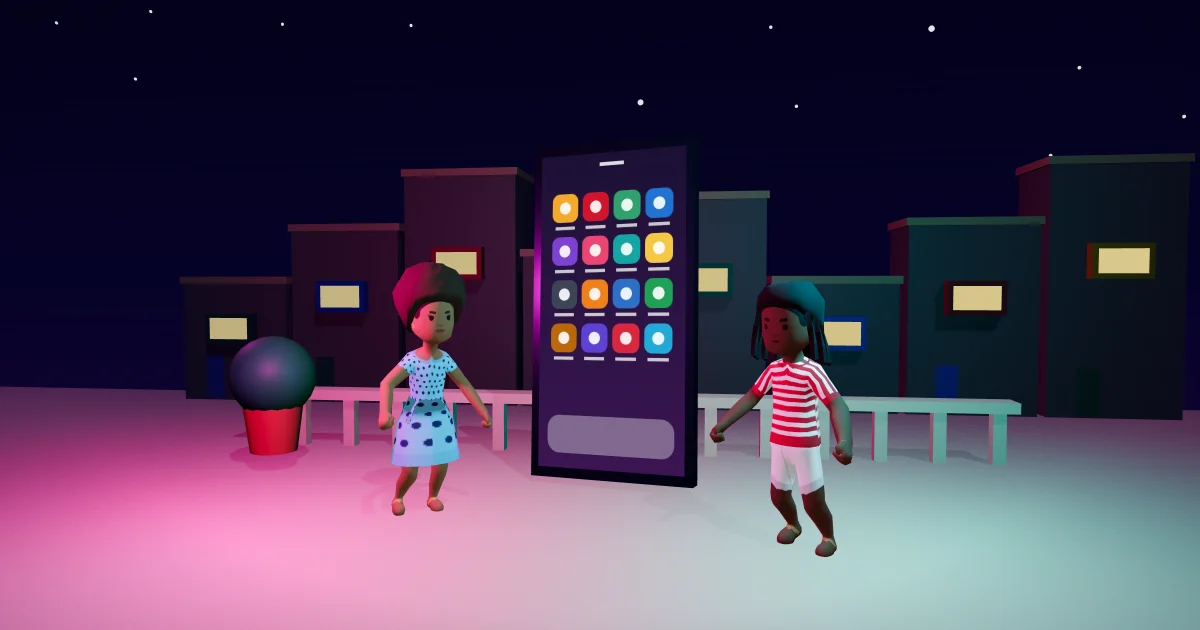
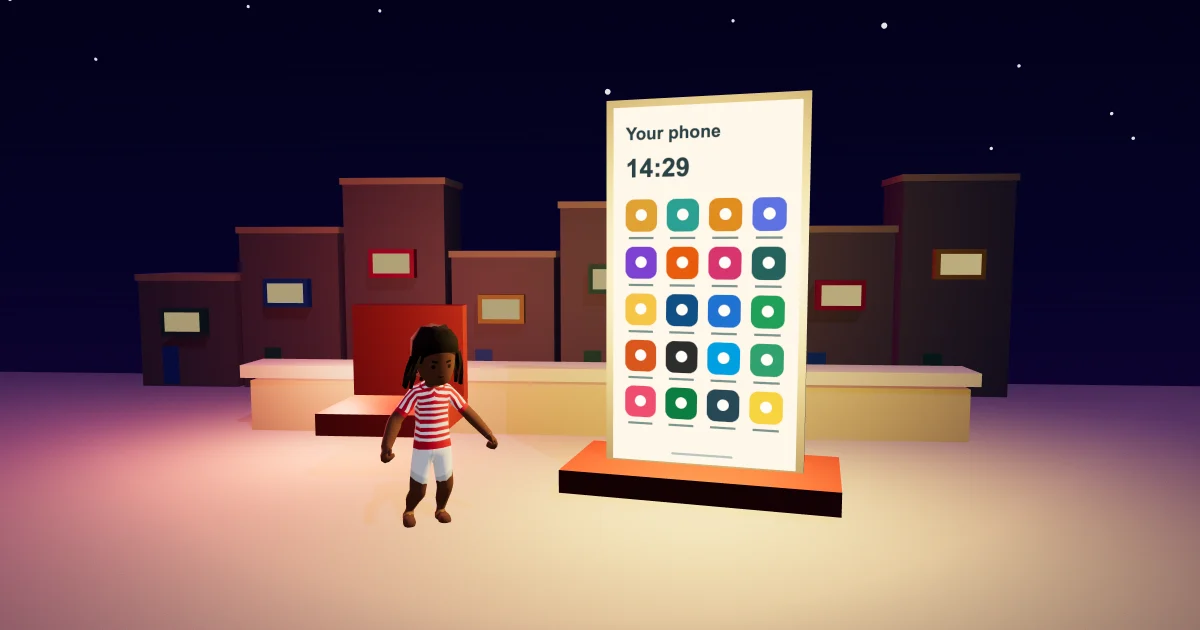
This follows the Sunshine Club everyday view: warm paper, dark ink and coral controls. The phone apps guide explains where Earn fits among your other apps, and the Malta Living guide introduces the wider game.
Your totals and your next step
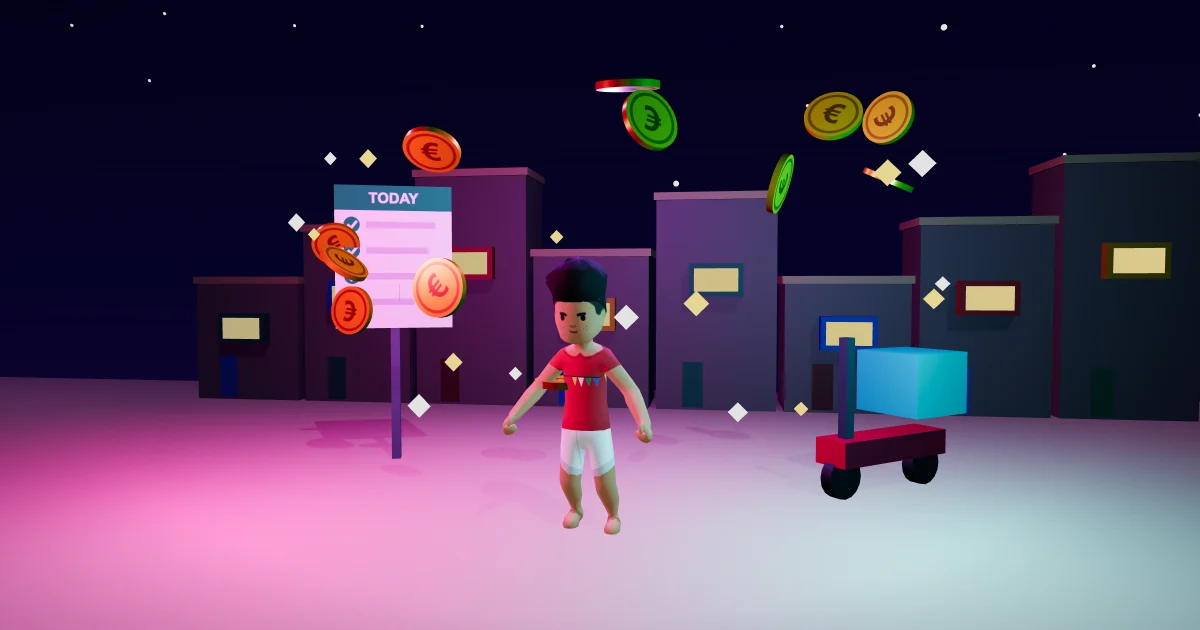
Earn still shows what its activities paid this week and what you could earn today. The second figure is a possible total: some activities need work, some prizes depend on when you finish, and travel or activity costs are not deducted. The explanation underneath the list remains available.
When rewards are already ready, Collect now takes priority. Otherwise, Next opens the existing suggested activity. Browsing the list or using its navigation does not collect a reward or start work for you.
For the activities behind those numbers, see the daily rewards and missions guide. A regular job remains its own part of the game, explained in jobs and careers.
All twelve entries stay together
Daily streak, today's missions, the hunt and invites begin the list. SOHO, Stories, Business START, Risky money, Wishes, Your first day, Odd jobs and Your dream follow in their usual order. Scroll inside the phone to reach the lower entries.
Today jumps to the overview. More to try jumps down to SOHO and the later entries. These are shortcuts within the same list: they do not filter opportunities or change what is available to your character.
Every entry still opens its existing page, with its existing actions. Back returns to Earn. Reward labels continue to distinguish completion pay, one-time goals, qualifying invites, possible approvals and risky losses.
The gift marks a reward that is ready. A tick marks progress already done; an hourglass marks something started. The words beside them explain the current state, so you do not have to guess from colour alone. Risky money keeps its warning and its chance-of-loss label instead of receiving a completion mark. These familiar signals stay beside the activity they describe.
Comfortable by touch
The rows give each activity a clear place and retain its status mark alongside its words. The main action stays within reach as you scroll. Controls keep a touch area of at least 44 CSS pixels, following the W3C target-size guidance.
You can play Malta Living free and open Earn to see your own progress in the new view.
Questions people ask
Does the Sunshine Earn list change my rewards?
The update changes the presentation. The existing rewards, conditions and claim actions remain in place.
Does More to try hide today's activities?
It jumps down the same continuous list. All twelve entries remain available in their usual order.
Where did the lower Earn entries go?
Scroll inside the phone. Your first day, Odd jobs and Your dream remain near the end of the list.