Behind the scenes · · 3 min read
Wishes and perks, with a warmer look
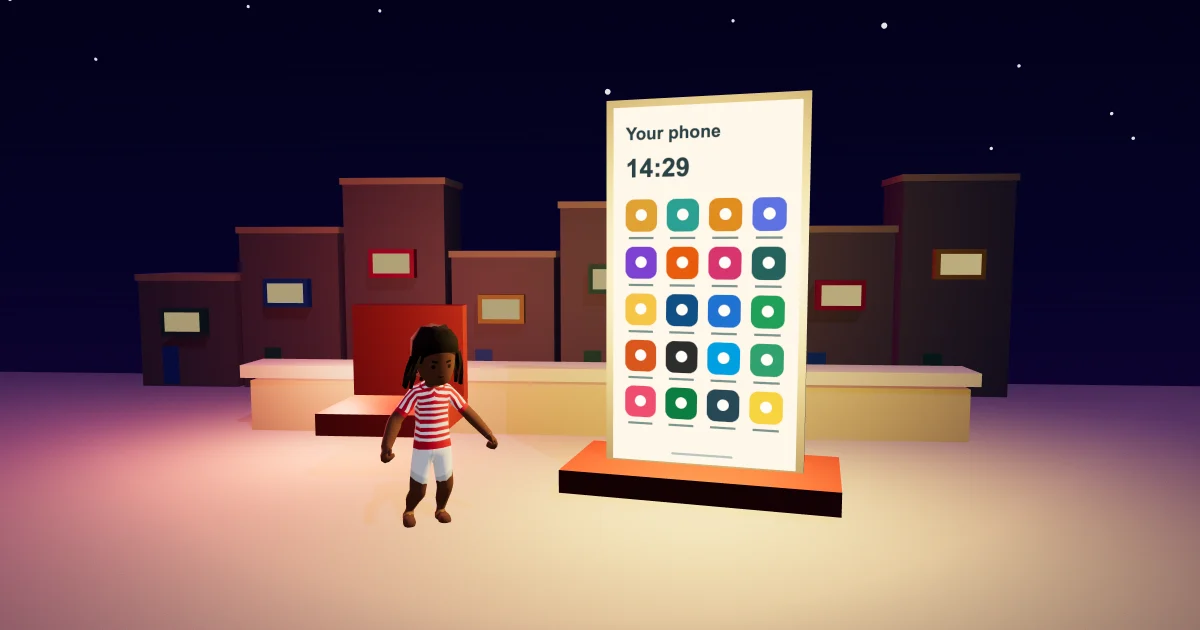
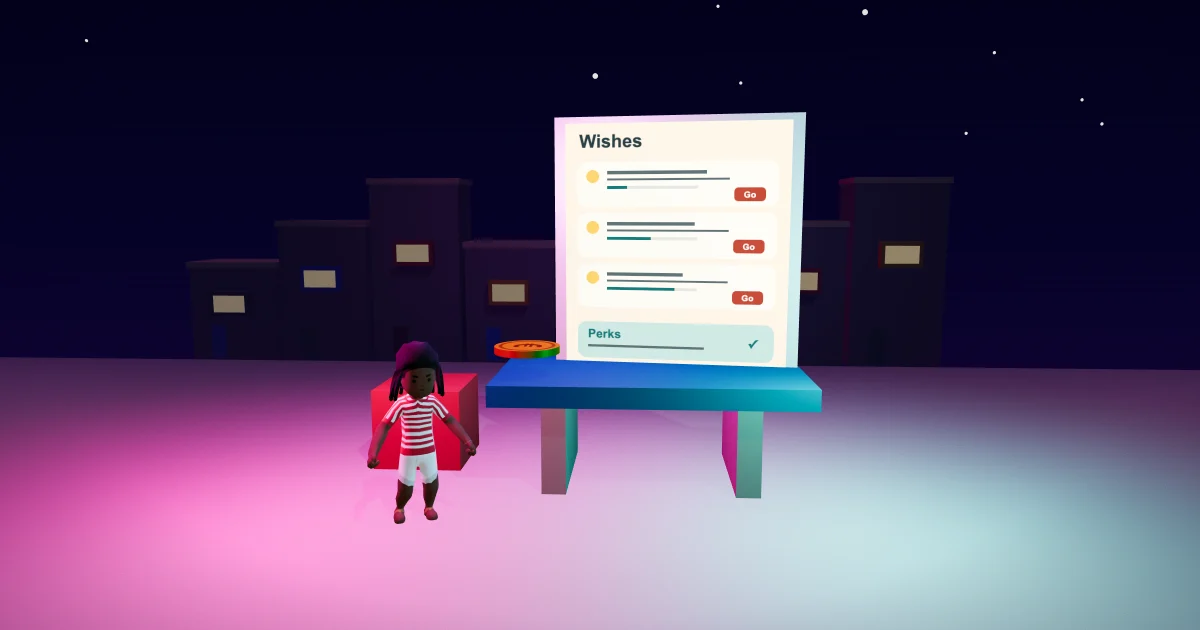
The Malta Living wish cards have a warmer Sunshine Club finish. Open Phone, then Earn and Wishes to find the things your character would like to do, followed by the existing perks you can buy with sparkles. The cards keep their current information and actions. Their new spacing makes the wish, its progress and its controls easier to read together.
This is a presentation update for that page. The rewards, places, prices and daily swap allowance remain the same. The wider Malta Living guide introduces life on the island, while the phone apps guide explains how the apps fit into your day.
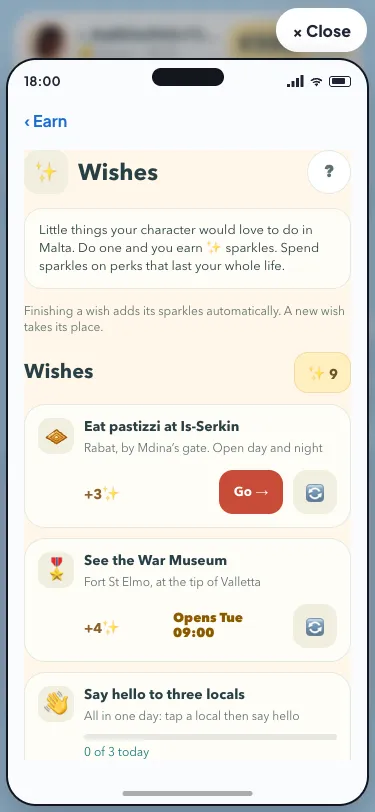
Your current wishes, together
Each wish keeps its familiar symbol, name and hint. A wish may name a place, a time or something to do. When it has counted progress, the card keeps that value and its progress bar. A sparkle amount shows what that wish gives when the server confirms it has come true.
The new layout gives the description a full line of its own, with room for a longer place name or hint. The controls sit underneath. You can look at the wish before choosing Go, or use the existing map action on its main text when it names a place. A closed destination still says when it opens instead of offering a journey there.
The daily rewards and missions guide explains the other activities in Earn. Wishes remain their own section, alongside those daily rewards. Browsing a wish does not complete it: the game checks the activity you actually do.
The same daily swap
The swap symbol stays beside each wish. When your daily swap is available, tapping it asks the server to replace that wish. The existing success message tells you which new wish arrived, and the list keeps its three slots.
After the swap, the controls remain visible and unavailable, with the explanation that another swap is available tomorrow. A request that fails keeps the current wish and shows the existing error, so you can try again when appropriate. While a request is being processed, the controls keep their disabled state.
The appearance does not add an extra confirmation dialog or change when a swap is used. It preserves the flow already in the game. The work here concentrates on presenting that flow clearly, with space around the text and comfortable targets for a finger.
Existing perks, with clear states
Below the wishes, your sparkle balance stays close to the perks. Every perk keeps its name, symbol, description and cost. An available purchase has the coral action style. A cost you cannot afford stays visible in a quiet disabled control, while an owned perk keeps its Owned mark.
Buying a perk still spends sparkles rather than euros. The server updates the balance and records the perk for that life. The page then shows the owned state and updates what remains affordable. The effects themselves remain the ones you already know from the game.
For a different route through a day, the jobs and careers guide covers regular work. This update is part of the Sunshine Club everyday view, with the same cream surfaces, dark ink and rounded controls.
A page that fits your phone
The cards scroll inside the phone, with their labels able to wrap. Go, swap and purchase controls keep a touch area of at least 44 CSS pixels, following the W3C target-size guidance. Compact screens keep the same actions and information as wider ones.
You can play Malta Living free and open Wishes to see your own current cards. First-day goals and lifetime dreams keep their existing pages; they are outside this Wishes and Perks update.
Questions people ask
Do the warmer wish cards give different rewards?
The presentation changes, while the current rewards and server rules remain the same.
Where can I find perks after this update?
They remain below the wishes on Phone → Earn → Wishes. Scroll inside the phone to reach them.
Does this add another daily swap?
The existing daily allowance stays in place. The page continues to show when your swap has been used.